PARTNER
13
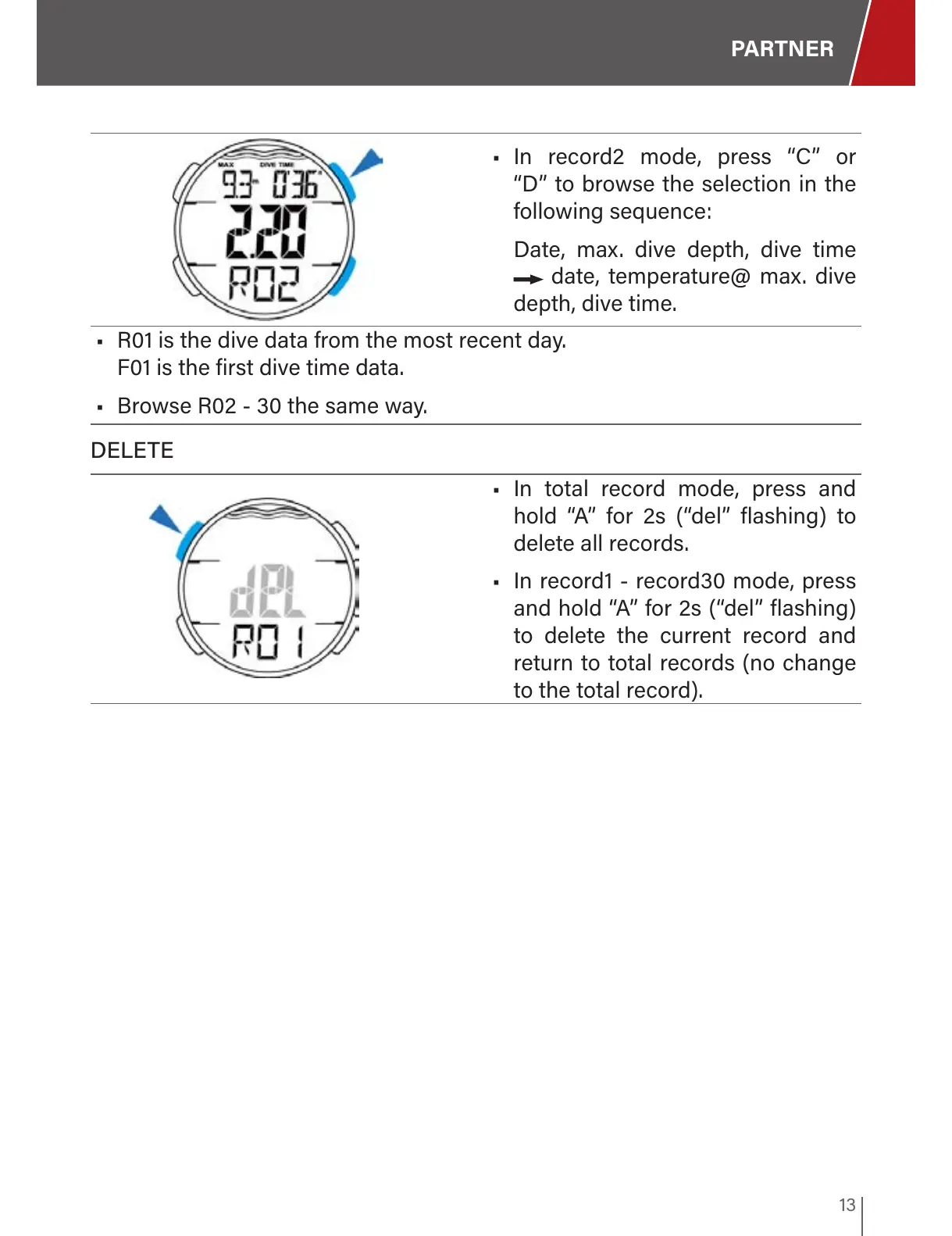
• In record2 mode, press “C” or
“D” to browse the selection in the
following sequence:
Date, max. dive depth, dive time
date, temperature@ max. dive
depth, dive time.
• R01 is the dive data from the most recent day.
F01 is the first dive time data.
• Browse R02 - 30 the same way.
DELETE
• In total record mode, press and
hold “A” for 2s (“del” flashing) to
delete all records.
• In record1 - record30 mode, press
and hold “A” for 2s (“del” flashing)
to delete the current record and
return to total records (no change
to the total record).


 To Next Page