PARTNER
15
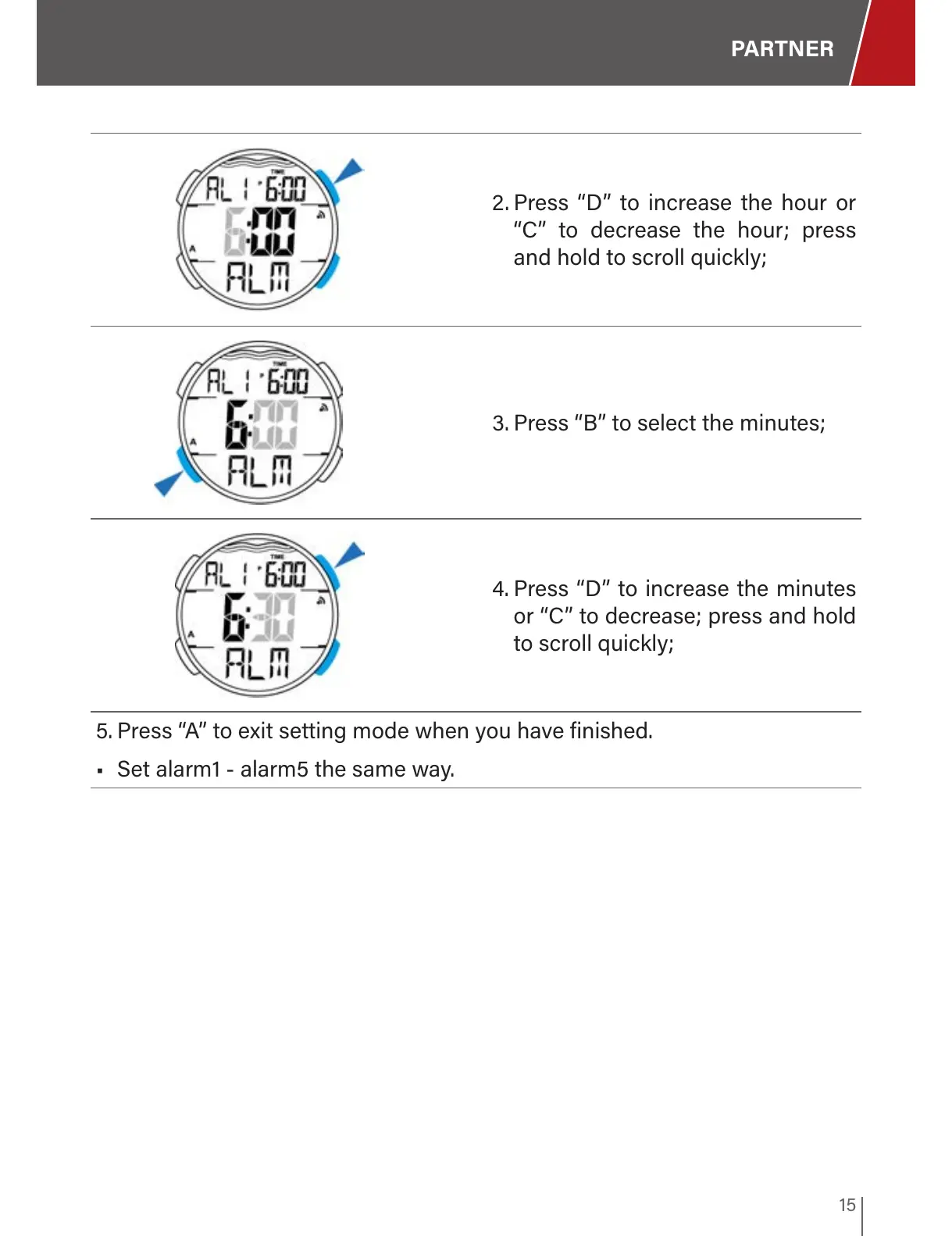
2. Press “D” to increase the hour or
“C” to decrease the hour; press
and hold to scroll quickly;
3. Press “B” to select the minutes;
4. Press “D” to increase the minutes
or “C” to decrease; press and hold
to scroll quickly;
5. Press “A” to exit setting mode when you have finished.
• Set alarm1 - alarm5 the same way.



 To Next Page