8
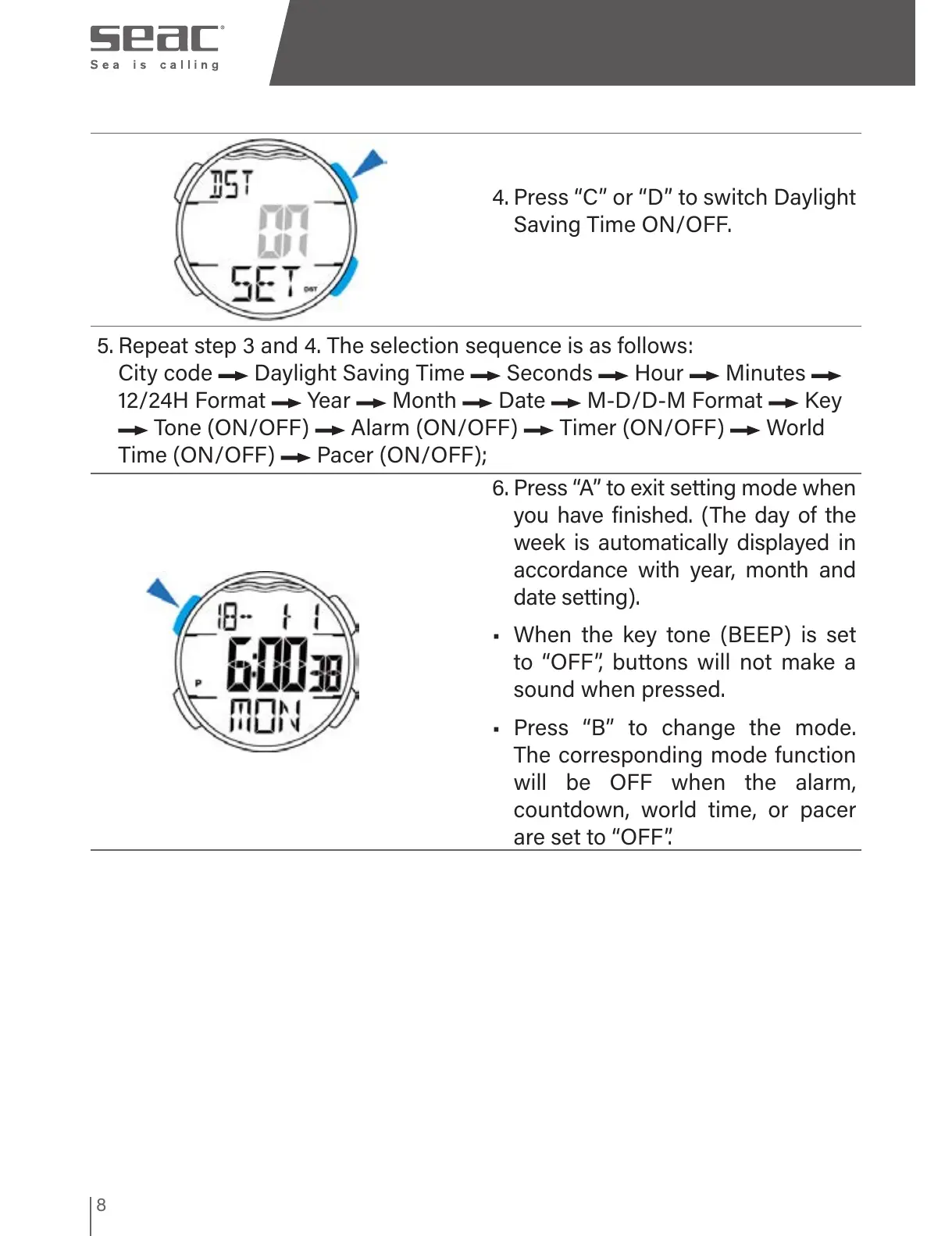
4. Press “C” or “D” to switch Daylight
Saving Time ON/OFF.
5. Repeat step 3 and 4. The selection sequence is as follows:
City code Daylight Saving Time Seconds Hour Minutes
12/24H Format Year Month Date M-D/D-M Format Key
Tone (ON/OFF) Alarm (ON/OFF) Timer (ON/OFF) World
Time (ON/OFF) Pacer (ON/OFF);
6. Press “A” to exit setting mode when
you have finished. (The day of the
week is automatically displayed in
accordance with year, month and
date setting).
• When the key tone (BEEP) is set
to “OFF”, buttons will not make a
sound when pressed.
• Press “B” to change the mode.
The corresponding mode function
will be OFF when the alarm,
countdown, world time, or pacer
are set to “OFF”.



 To Next Page