III. Installation
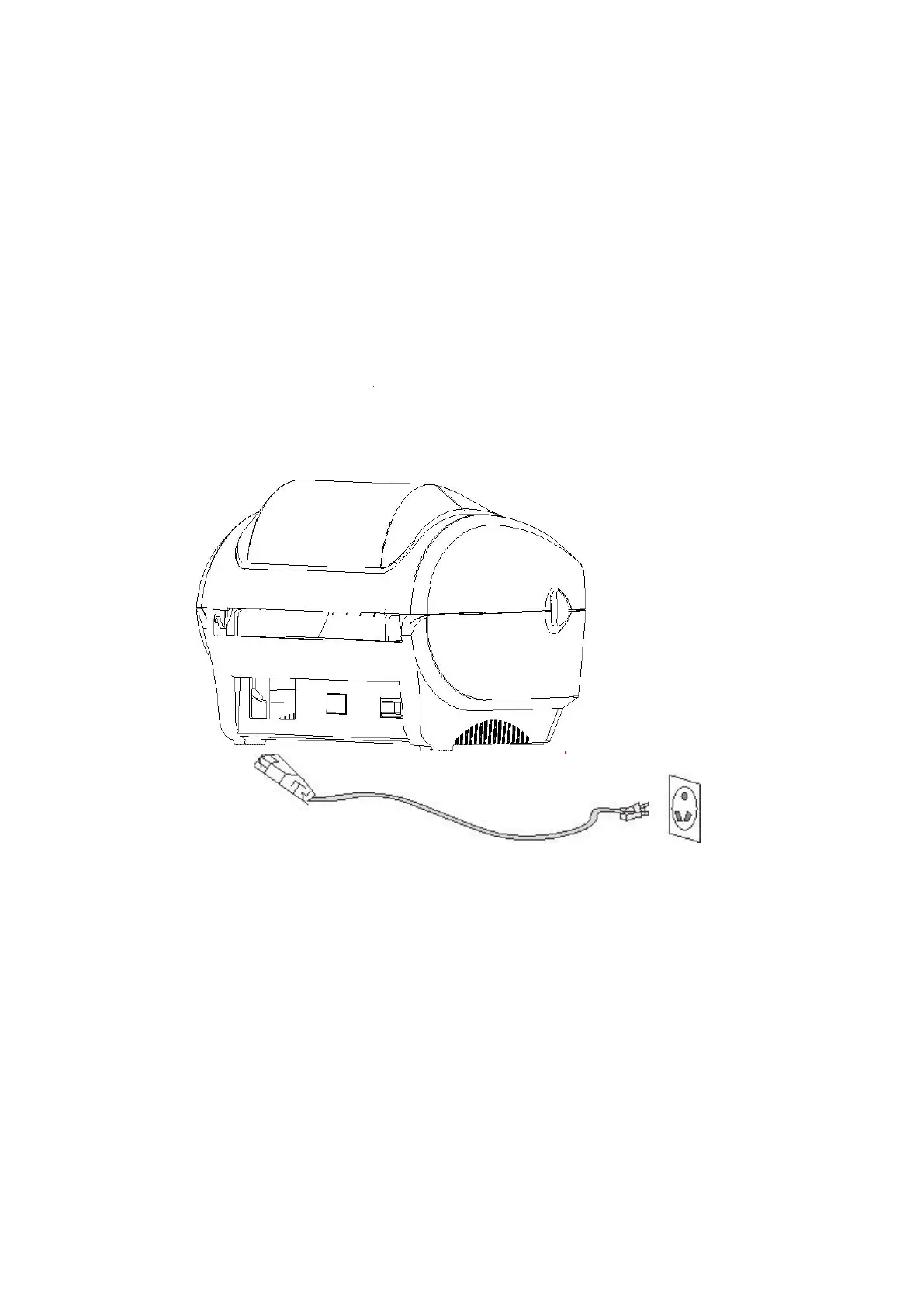
3.1 Install the printer
1. Place the printer on a smooth surface and make sure the power is off.
2. Plug one end of the parallel port cable, serial port cable or USB cable into the slot on the
back of the printer, and connect the other end of the cable to the appropriate slot of your
computer.
3. Plug the power cord into the power slot on the back of the printer and plug the other end
into an AC socket.
Note: Make sure the printer power is switched off when you plug the power cord into the
power slot on the back of the printer


 To Next Page