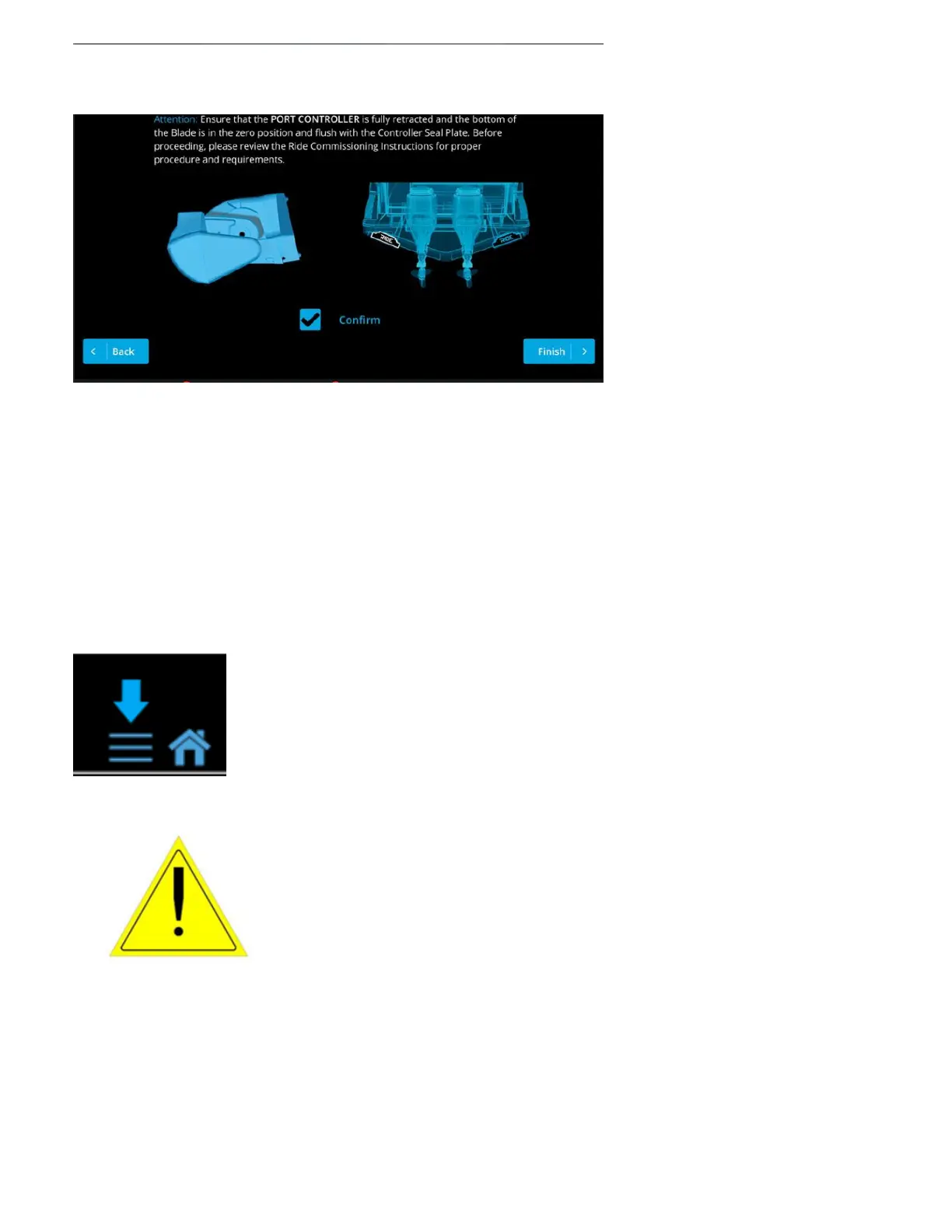
The following screen informs the users about TCC (Trim Command Curve) and where to locate it
when setting changes are needed.
Note: Refer to the TCC (Trim Command Curve) instructions here –
https://manuals.seakeeper.com/ride/seakeeper-ride-trim-command-curve/
You have now fully Commissioned the Seakeeper Ride system, and it is ready for the water!
Press the three-line icon on the bottom right of the MFD screen and select the ‘Home’ icon to
return to the home screen and use your Seakeeper Ride system.
Note:The speed of the boat, GPS connection, and the system
being in Auto or Manual mode will all inuence
howSeakeeperRide behaves. Even ifSeakeeperRide is set up
correctly, the Controllers may have limited range based on
these factors. Refer to the table below for more information
and see theSeakeeperRide Operation ManualSection
2.1andSection 2.2for home screen controls.
If the Seakeeper Ride system has already been commissioned previously, then please follow the
Section 4 – Service Menu Items steps to access the Service Menu Items.



 To Next Page