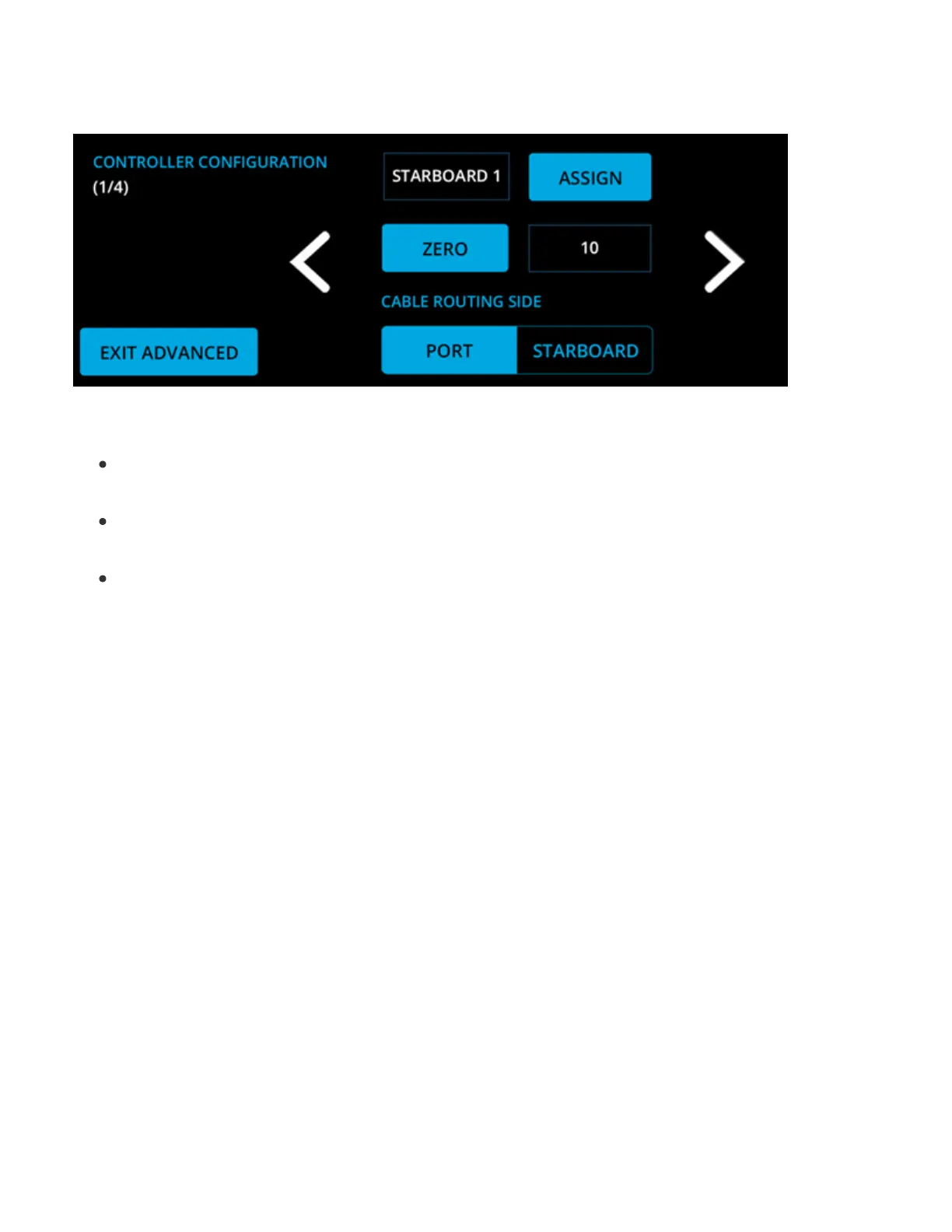
8. Controller Configuration
Controller Conguration will program the Software Module to determine three (3) critical items:
The side of the boat the Controller is on
The fully retracted position
The direction the Controller should move
Note: Both options must be selected before choosing the option you want in order for the system to
recognize your selection.
Follow these steps to complete the Controller Conguration:
1. Unplug both Controllers from the Distribution Module.
2. Plug in the port side Controller to the Distribution Module in either of the Ampseal ports.
3. Select Assign.
4. In the pop-up window, select Port 1.



 To Next Page