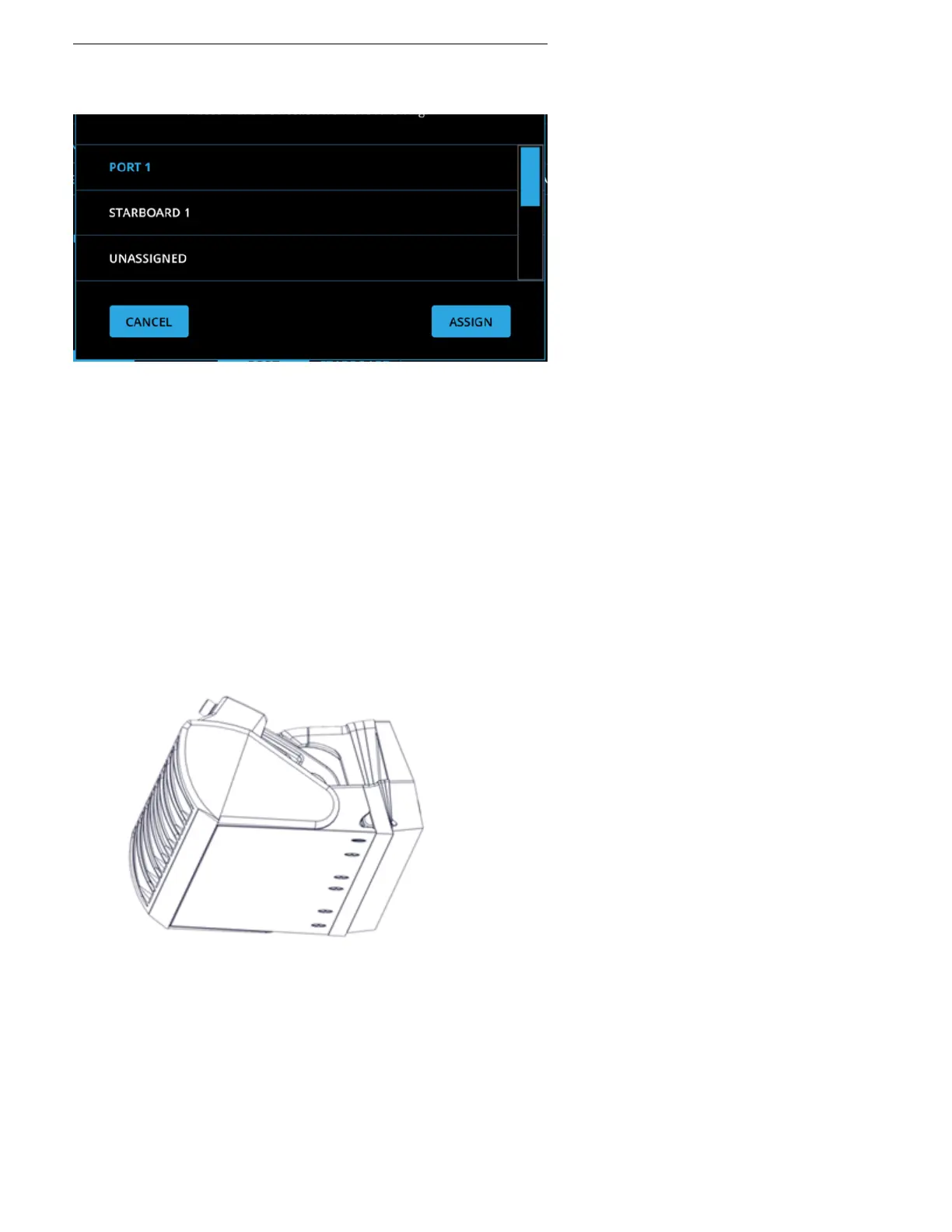
5. Select Assign.
6. Move the Blade such that it is ush with the Seal Plate (right).
7. Select Zero.
8. Select the Cable Routing Side based on if the Actuator Cable is on the port or starboard side of
the Controller.
Example: The port side Controller is shown in the gure. The black cable is routed on the port Cable
Routing Side. If the position of the white cable was used, the correct selection would be starboard
for the Cable Routing Side.



 To Next Page