5. OPERATION
5.1. Function setting
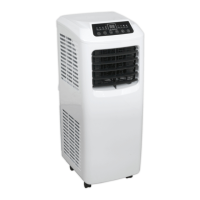
This air conditioner has 3 functions: cooling, dehumidifying and fan.
5.2. Control keys
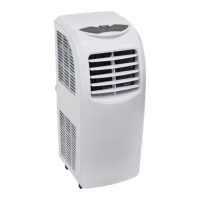
Power key: presstoturnon/off.
Mode key: sets Cooling, Dehumidifying and Fan modes.
Fan speed: presstoselecthigh/lowfanspeed(notavailableindehumidifyingmode.)
Timer key: when setting the time the Regular Time Indicator will light.
Up/Down key: press these buttons to set the desired room temperature and time.
Switch between °C and °F by pressing these two keys simultaneously or by using the remote control.
5.3. Operation
5.3.1. Cooling mode:
Ta≥Ts+1°C(1°F),thecoolingwillstart.
Ta≤Ts-1°C(1°F),thecompressorstopsandonlythefanmotorremainsworkingatthesetfanspeed.
Ta: Room Surrounding Temperature
Ts: Setting Temperature
In this mode, press Timer and Down button to set sleep function, In sleep function, after operating two hours, the set temperature
increases 1°C (1°F) automatically.
After operating for another 2 hours, the set temperature will increase 1°C (1°F) again. Then the set temperature will not change and
the fan will switch to low level.
5.3.2. Dehumidifying mode:
Iftheambienttemperature≥17°C(62°F),thecompressorwillstart.Then,theunitiscontrolledinthefollowingmanner:
Whentheambienttemperature≤15°C(59°F),thecompressorshutsdown.
Whentheambienttemperaturerisestobe≥17°C(62°F),thecompressorstartsagain.Thestart/stopofthecompressormeetsthe
requirement for 3-minute protection time.
5.3.3. Fan mode:
Fanrunsonbothhighspeedorlowspeed.Temperaturesettingdisplaysenvironmenttemperaturebetween0/35°C(50/95°F).
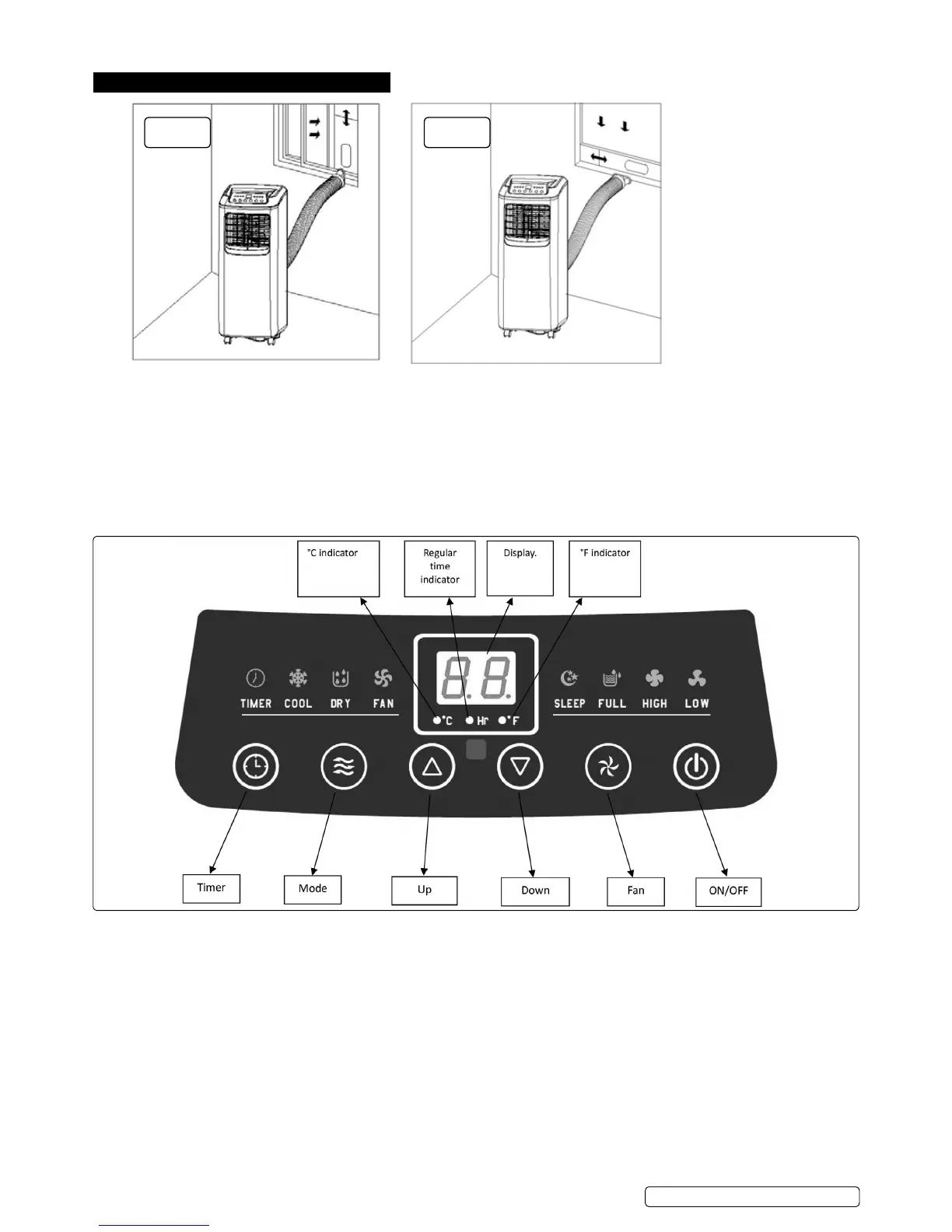
Fig.5Fig.4
SAC9001|Issue3(L)29/11/16
Original Language Version
© Jack Sealey Limited


 To Next Page