3. i SPECIFICATION
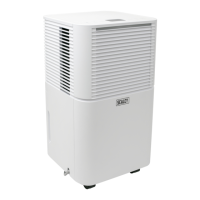
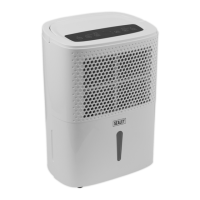
Model: ................................................................. SDH102.V2
C02 Equivalent ..................................................................... 0
Condensate Tank: ...............................2L(withAuto-Shut-o)
Dehumidifying Capacity: .............. 10L/Day @ 30
0
C, 80% RH
Freezing Pressure (Max): ...........................................3.2MPa
Global Warming Potential (Rating): ...................................... 3
IP Rating: ....................................................................... IPX1
Mass: ............................................................................... 45g
MaximumAirow: .....................................................120m³/hr
Power: ...........................................................................195W
Refrigerant: ................................................................... R290
Steaming Pressure (Max): .........................................3.2MPa
Supply: ........................................................................... 230V
Working Space: ..............................................................15m³
Working Temperature: ................................................. 5-35°C
4. OPERATION
NOTE: Empty water tank before every use.
NOTE: During operation keep doors and windows closed.
NOTE:Placetheunitintheareatobedehumidiedensuringthatinletandoutletgrillesareunobstructedandthattheunitis
positioned as stated in section 1.2. Close all doors and windows.
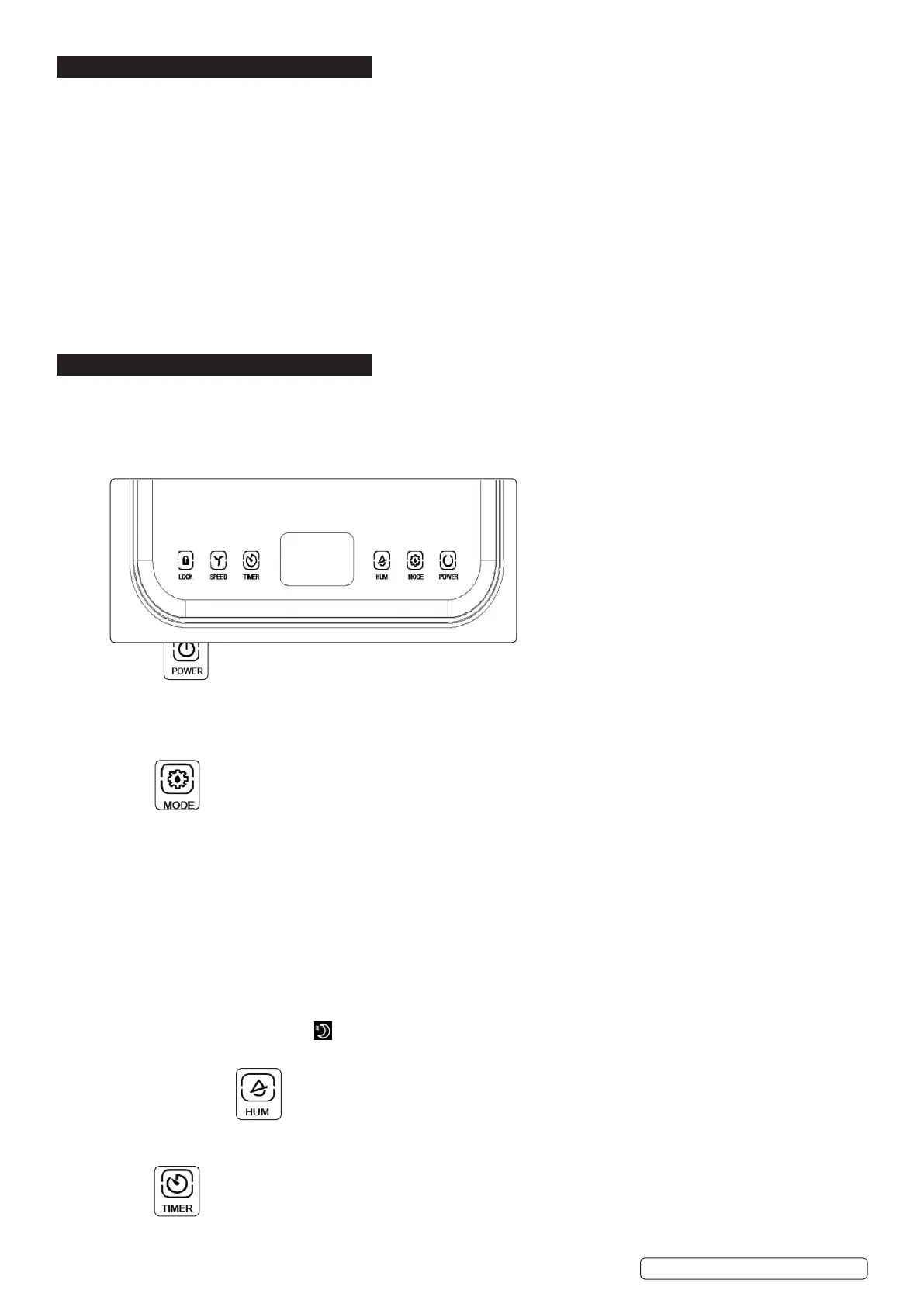
4.1. POWER
4.1.1. Afterswitchingonthepower,allindicatorsandtheLEDscreenwillbeonfor1secondandtheno.Afterabuzzer,thepowerindicator
will be on and the machine will be in standby mode.
4.1.2. Press power button and the machine starts to run. Intially the machine’s settings are 60%RH humidity, automatic mode and high speed
operation.
4.1.3. Press this key again, the machine will stop running, and the fan will stop. The power light will remain lit.
4.2. MODE
4.2.1. To select mode press mode button to switch between modes. The corresponding code indicator will light up in the LED screen.
4.2.2. Auto Mode
The corresponding code indicator (A) will light up in the LED screen.
When the environmental humidity is greater than or equal to the set humidity by +3%, the fan and compressor start working after 3
seconds.
When the environmental humidity is less than or equal to the set humidity by -3%, the compressor stops working and the fan will
shut down.
NOTE: Both fan speed and humidity can be adjusted while running in auto mode.
4.2.3. Continuous drying mode
The corresponding code indicator (Cnt) will light up in the LED screen. The machine continues to run, but the humidity cannot be
adjusted.
4.2.4. Sleep mode
The corresponding code indicator ( ) will light up in the LED screen. After 10 seconds idling, all indicators gradually fade and the
fan speed is automatically switched from high to low. Press the timer button to set the required sleep period. Touch any
button to wake up the indicator. Press mode button again to exit the sleep mode.
NOTE: In sleep mode, fault codes is not displayed, fan speed is not adjustable but the humidity is adjustable.
4.3. HUMIDITY SETTING
4.3.1. In automatic mode or sleep mode press the button to adjust the set humidity. Each press increments the setting by 5%. Once
80% is reached the value set cycles back to 30%.
4.3.2. If the button is held down continuously the unit will display the current ambient temperature.
4.4. TIMER
4.4.1. Thetimercanbesetfrom0-24hoursin1hourincrements.Setthevalueto“00”tocancelthetimerfunction.
4.4.2. Afterthetimerisset,thetimerLEDisonduringthetimingperiod.Afterthetimingisover,thetimerLEDturnso.
Original Language Version
© Jack Sealey Limited
SDH102.V2 Issue 1 21/07/22


 To Next Page
 Loading...