VS8700 - 1 - 110108
23
Use SCROLL button to select a module, and press
ENTER/EXIT button.
3) Wait a few seconds while the code reader reads vehicle
information.
4) From Vehicle Info. menu, use SCROLL button to select an
available items to view and press ENTER/EXIT button.
5) View retrieved vehicle information on the screen.
6) Press ENTER/EXIT to return to previous menu.
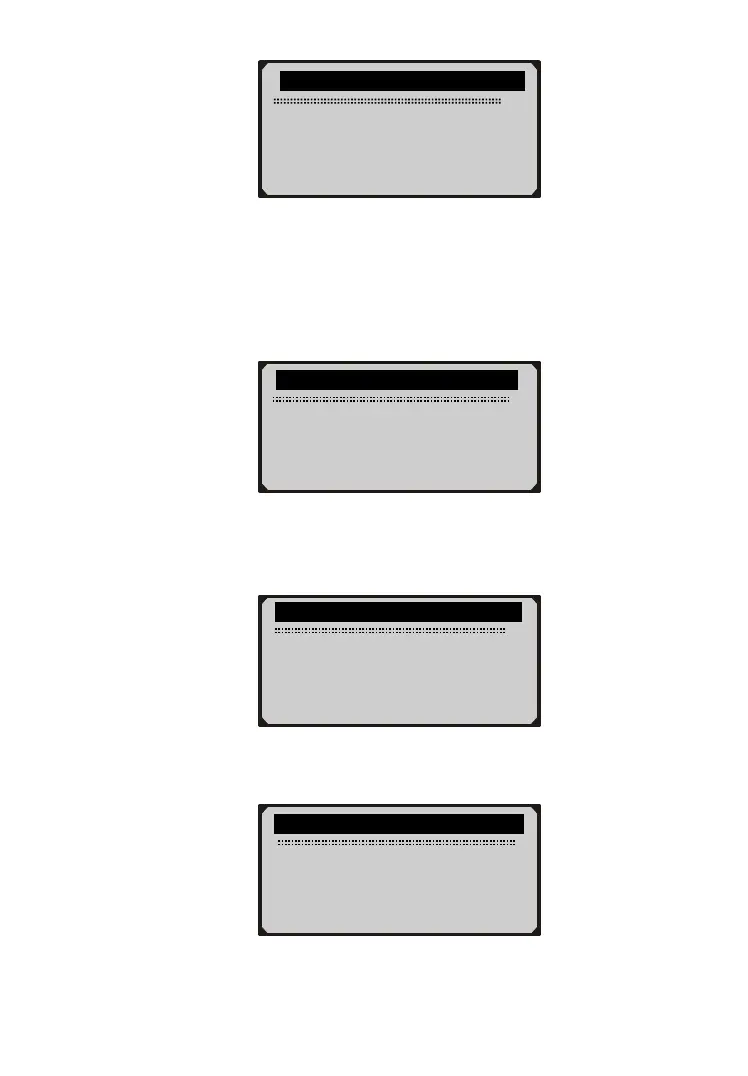
………………Vehicle Info…… ………….
1/4
► Vehicle ID Number
Calibration ID
Cal. Verif. Number
Exit
… Vehicle Info.
Reading Info…
- Please Wait -
………….Vehicle ID Number……..….
VIN:
2HGES16684H907941
…………..Control Module……………..
1/3
► Engine
Module $A4
Exit


 To Next Page