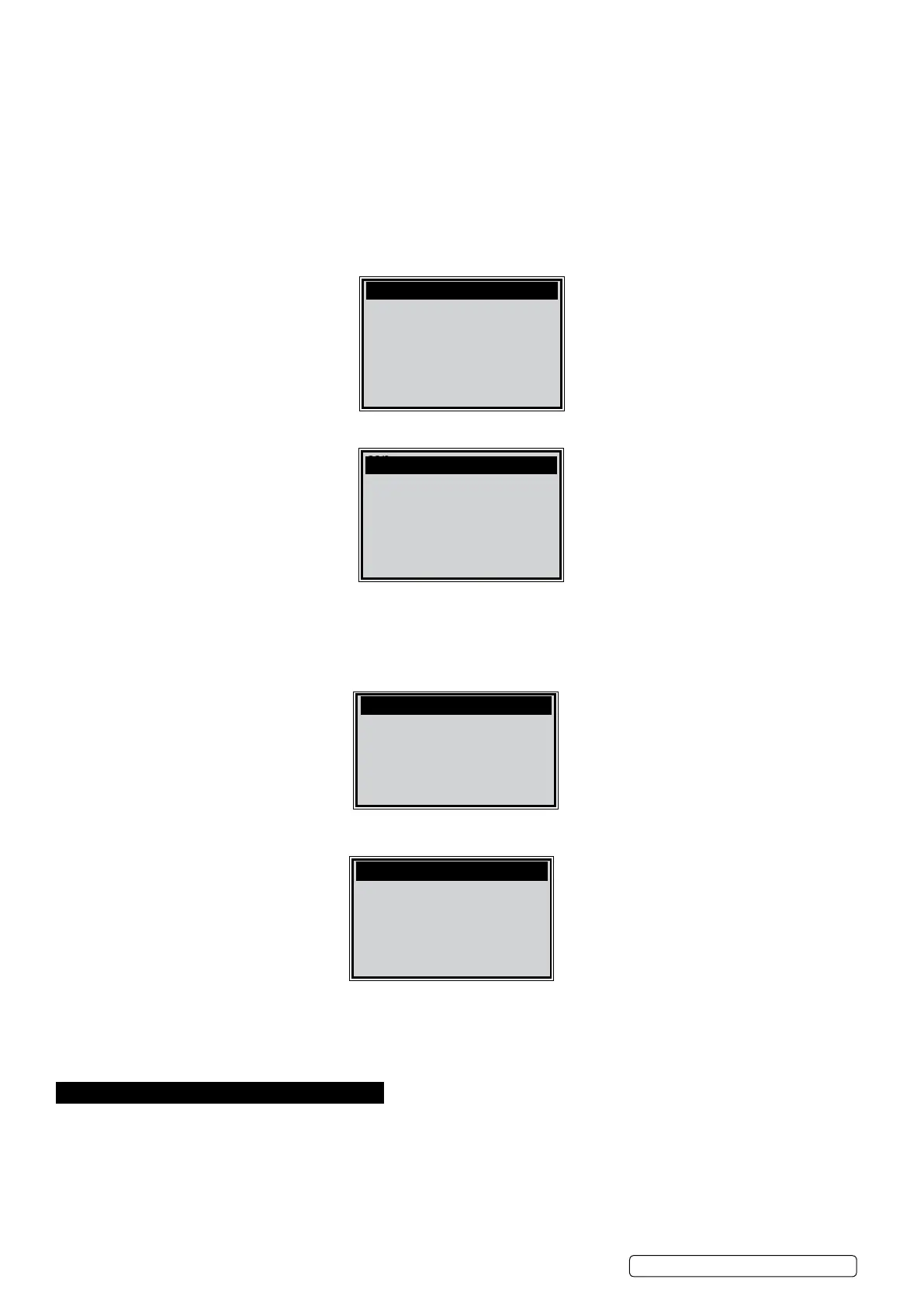
The number “x” to the right of the screen indicates sequence of display.
The red navigation bar to the right of the screen indicates sequence of highlighted item.
4) Use the SCROLL button, as necessary, to view the status of the MIL light (“ON” or “OFF) and the following monitors:
Misre monitor - Misre monitor
Fuel System Mon - Fuel System Monitor
Comp. Component - Comprehensive Components Monitor
Catalyst Mon - Catalyst Monitor
Htd Catalyst - Heated Catalyst Monitor
EVAP System Mon - Evaporative System Monitor
Sec Air System - Secondary Air Monitor
A/C Refrig Mon - A/C system Monitor
Oxygen Sens Mon - O2 Sensors Monitor
Oxygen Sens Htr -O2 Sensor Heater Monitor
EGR System Mon - EGR System Monitor
5) If the vehicle supports readiness test of “This Drive Cycle”, a screen of the following displays:
5.6. Vehicle Info
The Vehicle Info. function enables retrieval of Vehicle Identication No. (VIN), Calibration ID Nos. (CINs), Calibration Verication Nos.
(CVNs) and In-use Performance Tracking on 2001 and newer vehicles that support Mode 9.
1) Use SCROLL button to select Vehicle Info. from the Diagnostic Menu and press ENTER button.
2) An advisory message comes up to remind you. Wait a few seconds or press any key to continue.
3) If the vehicle does not support this mode, a message shows on the display warning that the mode is not supported.
4) From Vehicle Info. Menu, use the SCROLL button to select an available item to view and press the ENTER button.
5) View retrieved vehicle information on screen.
5.7. Exiting the EOBD Test
1) To exit EOBD test, use SCROLL button to select Previous Menu from Diagnostic Menu and press ENTER/EXIT button.
2) A warning message comes up asking your conrmation. Press ENTER button to exit.
6. I/M READINESS
There are two modes to show I/M readiness monitor status. You can congure work modes in the Setup menu.
1). Scan Tool Mode
Scan Tool Mode is the default work mode. In this mode, after the vehicle's monitors have run and completed their diagnosis and
testing, the scan tool will turn to EOBD diagnostic procedures.
NOTE: Only in this mode can you perform the EOBD diagnostics.
2). Ready Test Mode
In this mode, after the vehicle's monitors have run and completed their diagnosis and testing, the scan tool will return to the previous
screen. So it is ONLY used to check the emission-related monitors' status.
NOTE: This function reads off the real time data of emission-related monitoring systems readiness status every two minutes. Once
con.
Since DTCs Cleared 1/6
Misre Monitor OK
Fuel System Mon OK
Comp. Component OK
Catalyst Mon INC
Htd Catalyst N/A
con.
This Drive Cycle 1/6
Misre Monitor OK
Fuel System Mon OK
Comp. Component OK
Catalyst Mon INC
Htd Catalyst N/A
con.
Vehicle Info.
Turn key on
with engine off !
Press any key to con.
Vehicle Info. 3/4
Vehicle ID Number
Calibration ID
Previous Menu
VS8812 | Issue 1 27/02/17
Original Language Version
© Jack Sealey Limited
Page 11


 To Next Page