for Bluetooth BT3.0 will automatically pop up on the
phone, just click pairing. The Bluetooth icon in the drop-down
bar will be blue-orange, indicating that both Bluetooth 5.0
and 3.0 are successfully bound. If there is no automatic
pop-up pairing request on the phone, please refer to the
connection method of IPhone users.
(You need to use Android 5.0+ or iOS 11.0+ and above and
the watch can only be paired with one mobile phone. To pair
other mobile phones, please unbind the current one before
pairing.)
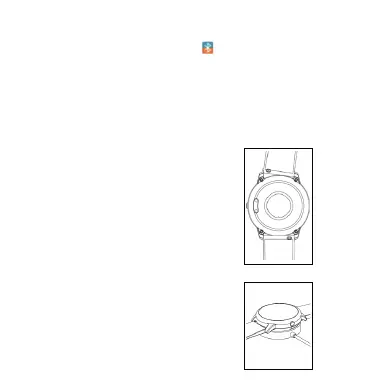
Quik Fit Strap
S-01contains two parts(watch body
and wristband), you can purchase
seperately strap and switch as your
preference.
Charging instructions
Charging: Turn the watch over,align
and attach the charging pins to the
magnets gold prongs. You will see the
charging icon on the watch screen
after 5s.
Charging fully may take 2 hours. You
will see the battery icon is full if the
watch have been fully charged.
Please clean the charge
interface
before charging for fear that the
remaining sweat erode gold metal



 To Next Page