SecuRam Systems Inc. USA Page 11
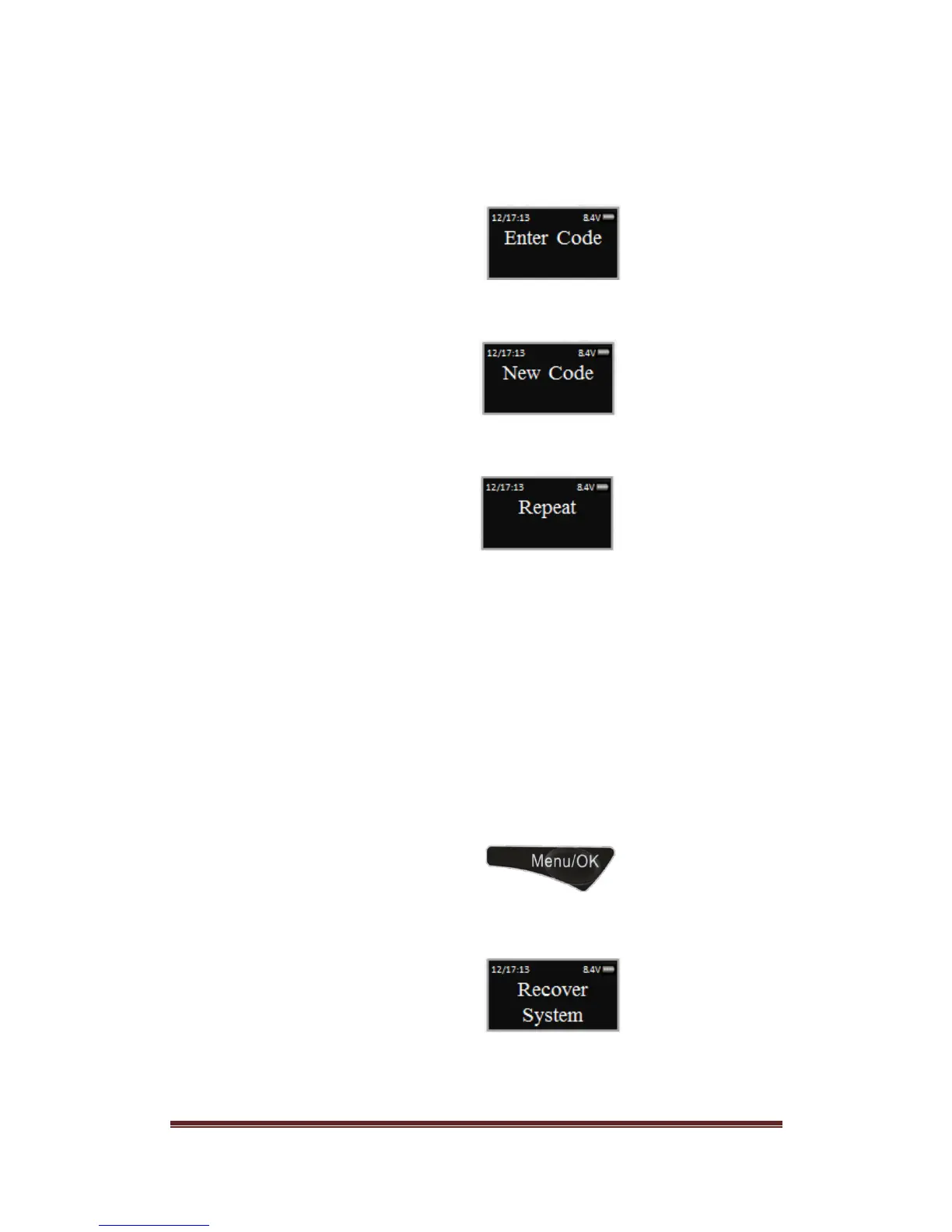
Step 7: After receiving the One Time Use Authorization Code from the Recovery
Center, press the “back” button; and you will be prompted to enter your
Authorization Code.
Step 8: Next you will be prompted to enter your new 6 digit Recovery Code
Step 9: Repeat the 6 digit Recovery Code
The new Recovery Code has now been set. DO NOT lose this code. Without
this code your system cannot be recovered in the future.
16.2 Recover System
In the event that you need to recover the system during its use, the following procedure is
to be followed.
System Recover would be required in a number of circumstances such as:
All Managerial User Codes have been lost or forgotten
The system is unresponsive to commands and may need to be reset
Step1: Press the Menu/OK button
Step 2: Using the and , scroll to the Recover System Menu and Press OK.


 To Next Page