SecuRam Systems Inc. USA Page 12
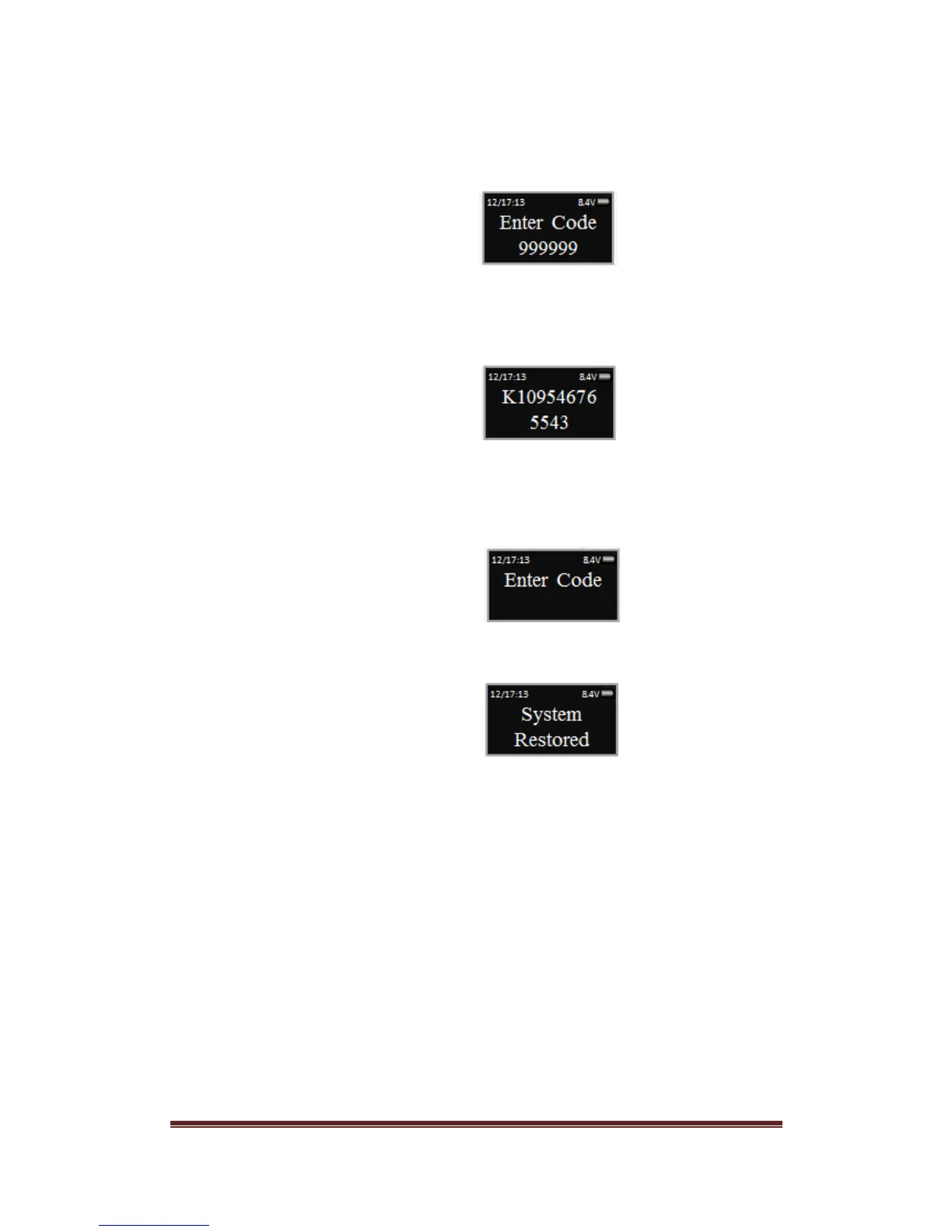
Step 3: The display will prompt you to enter the Recovery Code. Enter the
existing Recovery Code. The default recovery Code is 999999.
Step 4: The LCD screen will display an alpha-numeric number random key.
Record this number and call an authorized SecuRam Recovery Center or
SecuRam Tech Support at 1-805-988-8088.
Step 5: After receiving the One Time Use Recovery Code from the Recovery
Center, press the “back” button; and you will be prompted to enter your Recovery
Code.
Step 6: Your system will now be restored and will display this message:
The Super Code will now be reset to 111111.
The Manager Code will now be reset to 123456.
Time Delay, if programmed previously remains active.


 To Next Page