SecuRam Systems Inc. USA Page 2
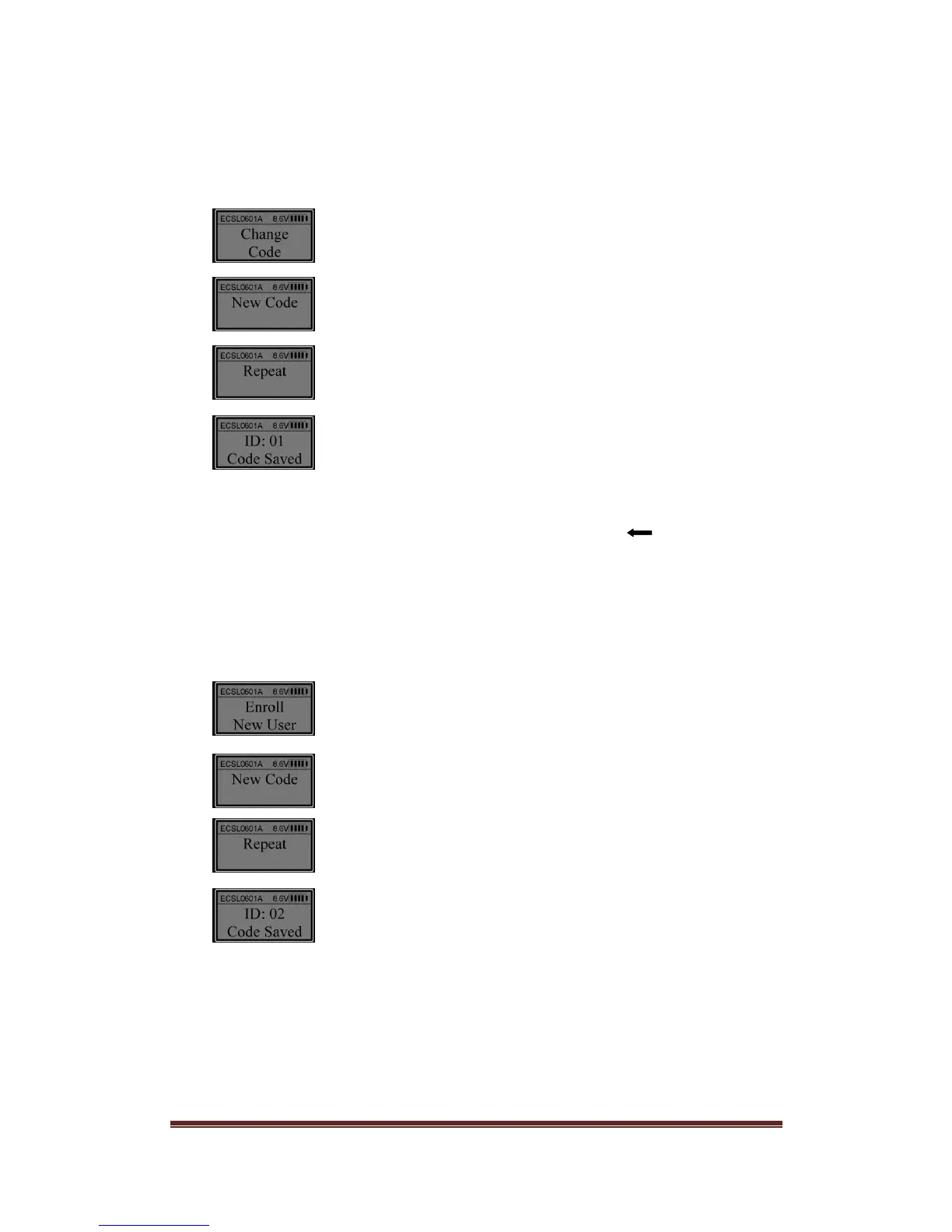
1. Change Manager Code (ID01)
The default Manager code (ID 01) is 123456. Enter the default code, 123456. When the
LCD screen shows “Select Menu”, press “▲” or “▼” and select “Change User Code”.
Press “Menu/OK”.
Enter a code (6 digits).
Enter the same code again (6 digits).
The Manager code with ID No. 01 is changed successfully.
Note:
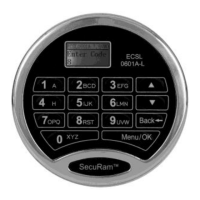
1. When user enters a code, if a wrong digit is entered, push “Back ” button to re-enter.
When a code is entered, the display will show the last digit entered.
2. Enroll ID02 Code – ID02 is also a Manager Code
Enter Manager code (ID No. 01). When the LCD screen shows “Select Menu”, press “▲”
or “▼” and select “Enroll New User”.
Press “Menu/OK
Enter a code (6 digits).
Enter the same code again (6 digits).
The second Manager code ( ID No. 02) is enrolled successfully.
Note: The first two enrolled codes (ID No. 01 and 02) are Manager codes.
3. Enroll additional codes – User ID03-30
Enter a Manager code (ID 01 or 02). When the LCD screen shows “Select Menu”, press
“▲” or “▼” to select “Enroll New User”. Follow the same steps as above in “2. Enroll ID02


 To Next Page