SecuRam Systems Inc. USA Page 9
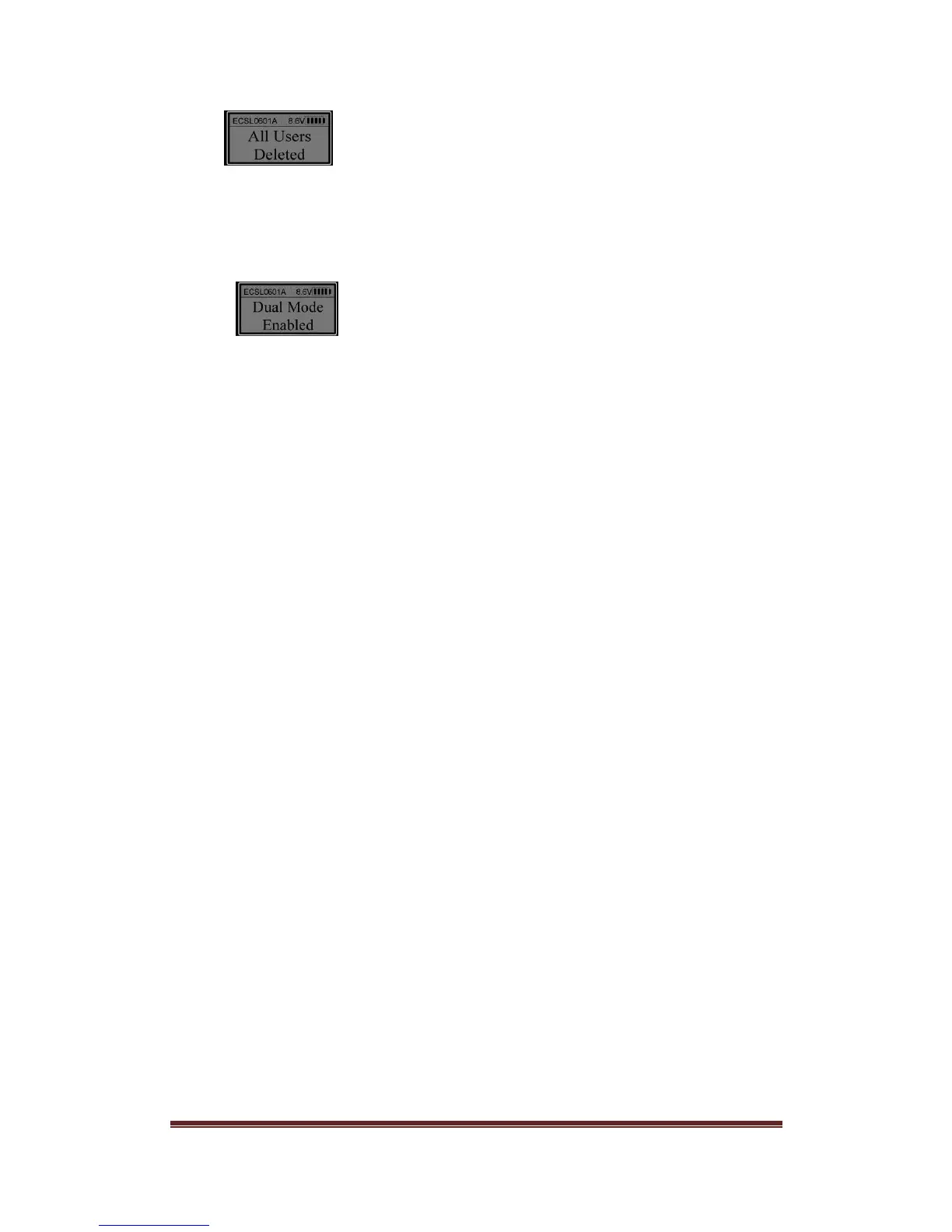
Now all users are deleted successfully.
14. Dual Mode
Unlock using a Manager. When the LCD shows “Select Menu”, press “▲” or “▼” to select
“Enable Dual Mode”. Press “Menu/OK” and then enter another enrolled code. When the
LCD shows:
Dual Mode function is activated.
Note:
● Managers’ codes (ID No. 01 & 02) are Dual Mode Overide Codes.
● In order to open the lock in Dual Mode, the second code must be entered within 60
seconds after the first code is successfully verified.
● If all users are deleted, Dual Mode will be disabled automatically.
● In Dual Mode, Managers cannot be deleted.
● When changing a code in Dual Mode, only the second entered code can be changed.
15. System Info.
Press “Menu/OK”. Press “▲” or “▼”to select “System Info.”. Press “Menu/OK” and the
LCD will show data about the safe lock system including
EntryPad Part Number EC-0601A-L02
Firmware version number, i.e. V 1.63100929
Total User capacity and number of Users currently enrolled, i.e. Users: 30/01used
16.0 Recovering the System – Reset to Default
The ProLogic Series safe lock systems have the ability to be reset to factory default
settings using a very unique secure method. Each system has a default recovery code.
The Default code is 999999 - this code can be changed as necessary, refer to the
Recovery Code Set selection.
Upon entry of the recovery code, the LCD screen displays an alpha-numeric code. This
code cannot be used to open the safe lock system or to change the code to factory default.
The alpha numeric code must be deciphered using a SecuRam’s Authorization Code
Generator Software.
The alpha-numeric code is entered into the software together with the encryption code.
Through the software, these codes are deciphered to generate a One Time Use Reset
Code.


 To Next Page
 Loading...