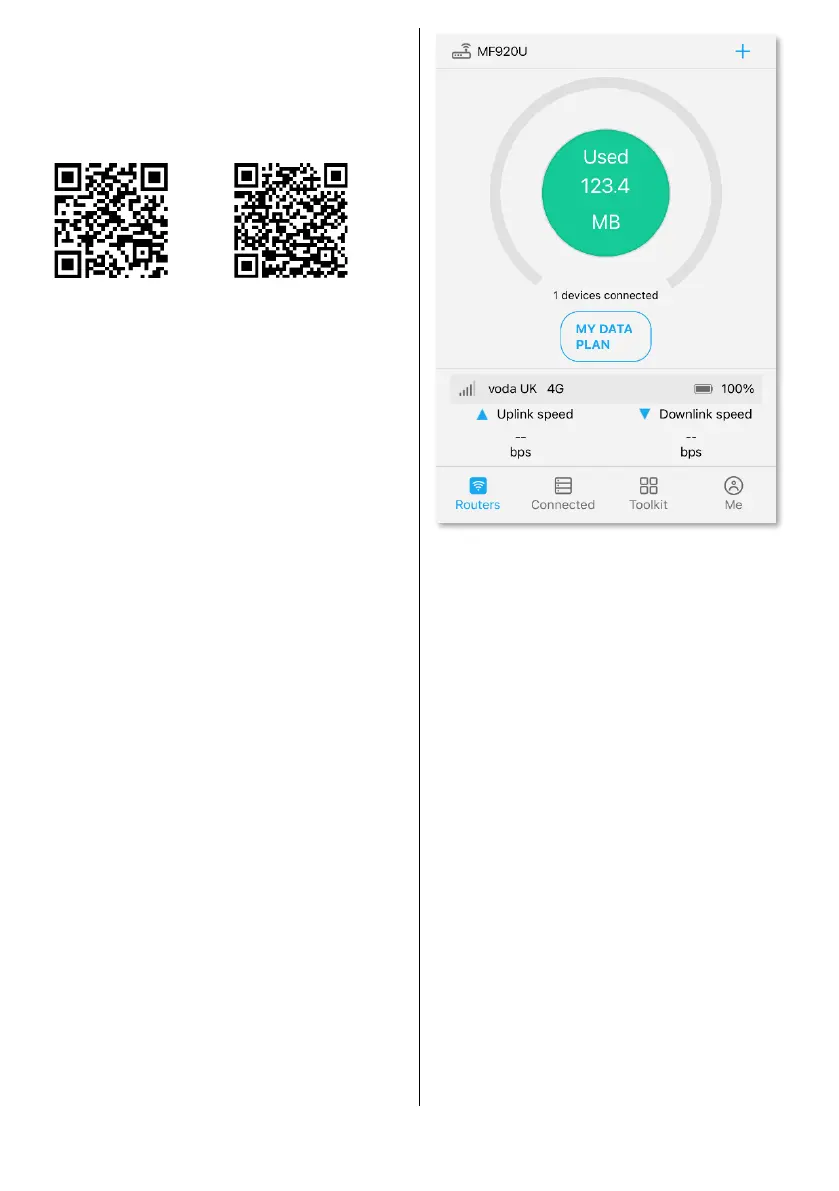
Connect to the Wi-Fi, start the app
and log-in with the default
administration password on the
label on the rear of the router.
Accept privacy policy.
It may ask if you want to change the
default Wi-Fi name and password.
Remember, doing this will stop the
Secure Camper QR code label from
working.
Choose whether to share location
and/or allow notifications.
To change the Wi-Fi name or
password, tap ‘Toolkit’ at the
bottom, and ‘Wi-Fi settings’.



 To Next Page