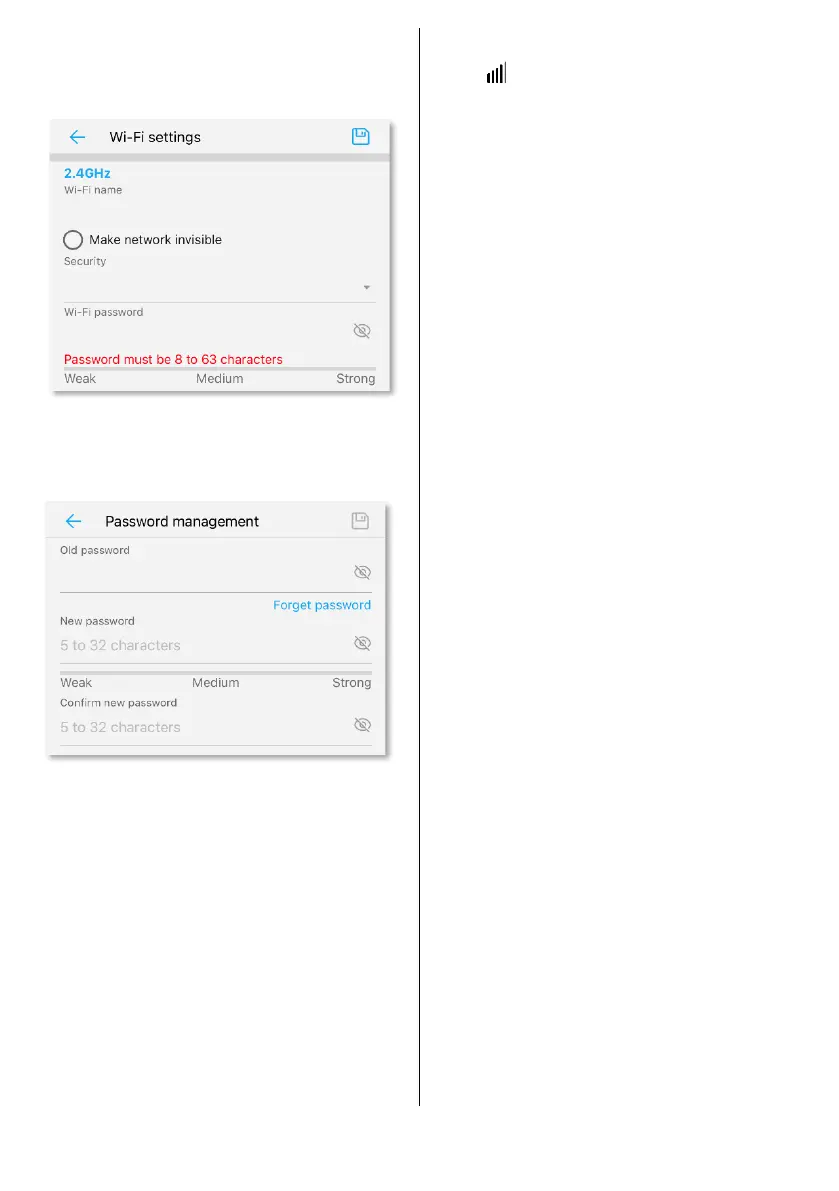
Here you can enter a new network
name (SSID) and/or a new
password.
To change the admin password, tap
‘MORE’ and then ‘Password
Management’.
Troubleshooting
If the connection icon shows red,
check the following.
a. Check the SIM is correctly
installed and has data allowance.
b. Move the antennas or the
motorhome to a different
location to see if there are mobile
network signal issues.
c. In the app, tap ‘Toolkit’, then
‘Network Diagnosis’. This will
check the SIM, signal, other
settings and the APN. Follow any
instructions given.
If you have any further problems
during your install, please message
us at support@securecamper.co.uk


 To Previous Page
 Loading...