14
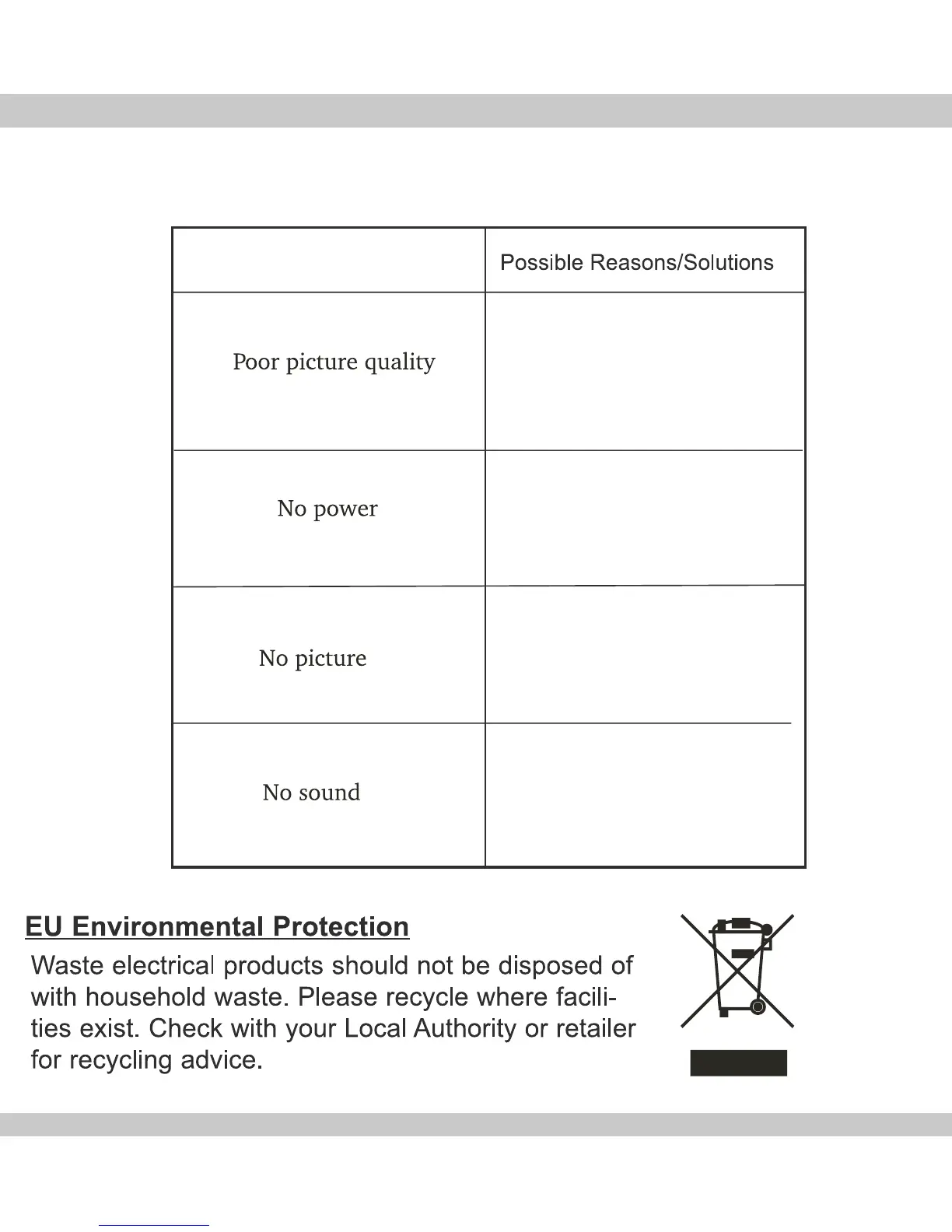
Troubleshooting
Problem
Adjust the contrast or brightness on the
monitor or TV.
Check the DC adapter to be connected
to the camera and the other end of the
adapter is connected to an electrical
outlet.
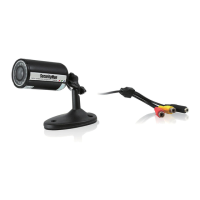
Check to sure the YELLOW cable is
connected to the camera and the other
end is connected into a monitor or TV
video input.
Check to make sure the RED cable is
connected to the camera and the other
end is connected into a monitor or TV
audio input.


 To Next Page