10
- Edit account name
Click the Pen icon to edit the account name. Changing the account name does not
affect the assets in the account.
Note that in the transaction history, it just displays ERC-20 Token for all types of
different ERC-20 tokens. Click Details to get the token name and other details.
- Delete account
You can only delete accounts that have no transaction history.
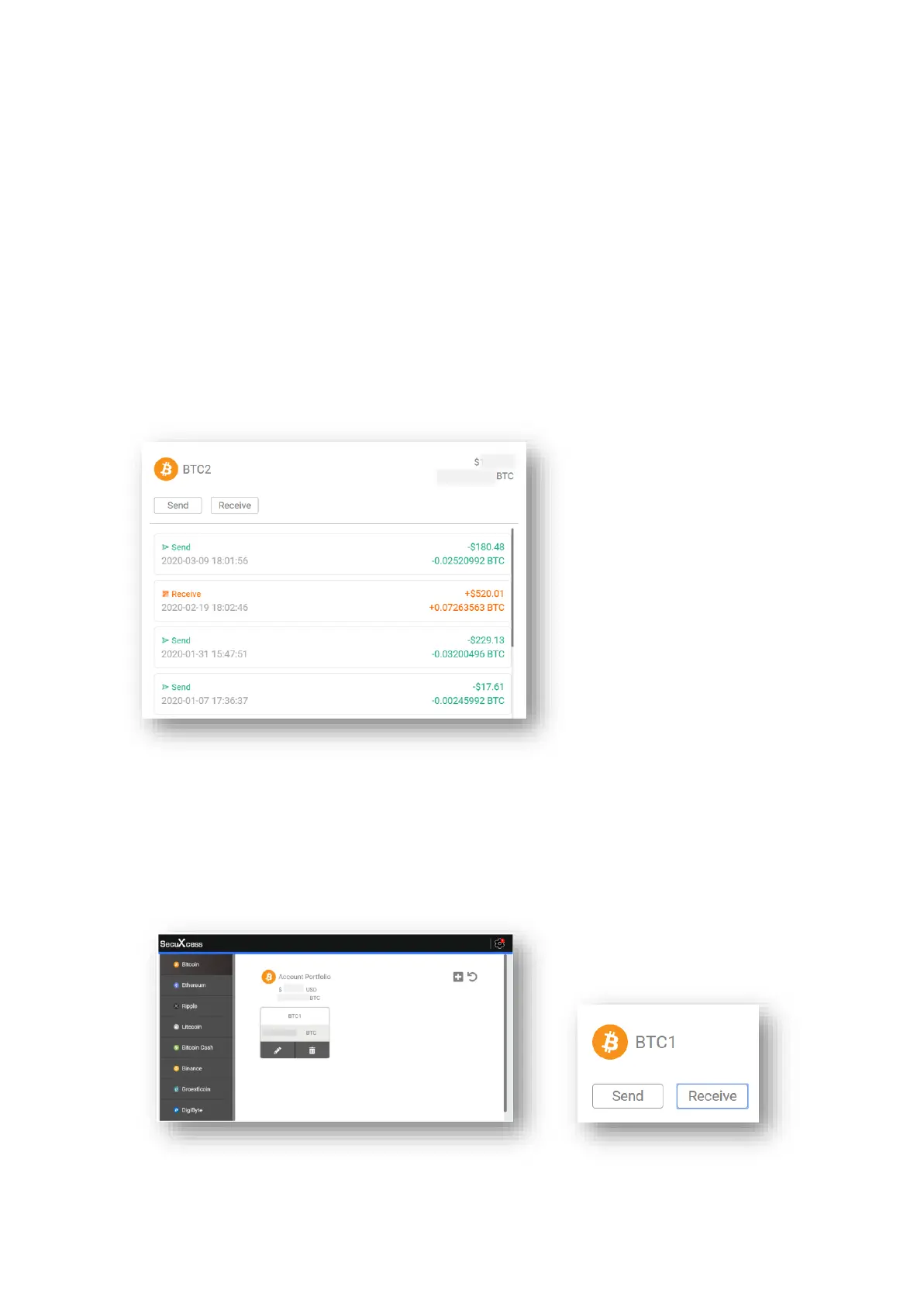
- View account balance and transaction history
You can view the transaction history of the selected account. Click Details to view more
details of each transaction on an external blockchain explorer (a third party website will
open).
● Send Crypto Asset
To send crypto assets, follow these 4 steps to perform a transaction.
Step 1: Enter transaction details
- Select a crypto asset from Select Crypto Asset menu
- Select an account and click Send


 To Next Page