7
5. How to Operate SecuXcess Web Wallet
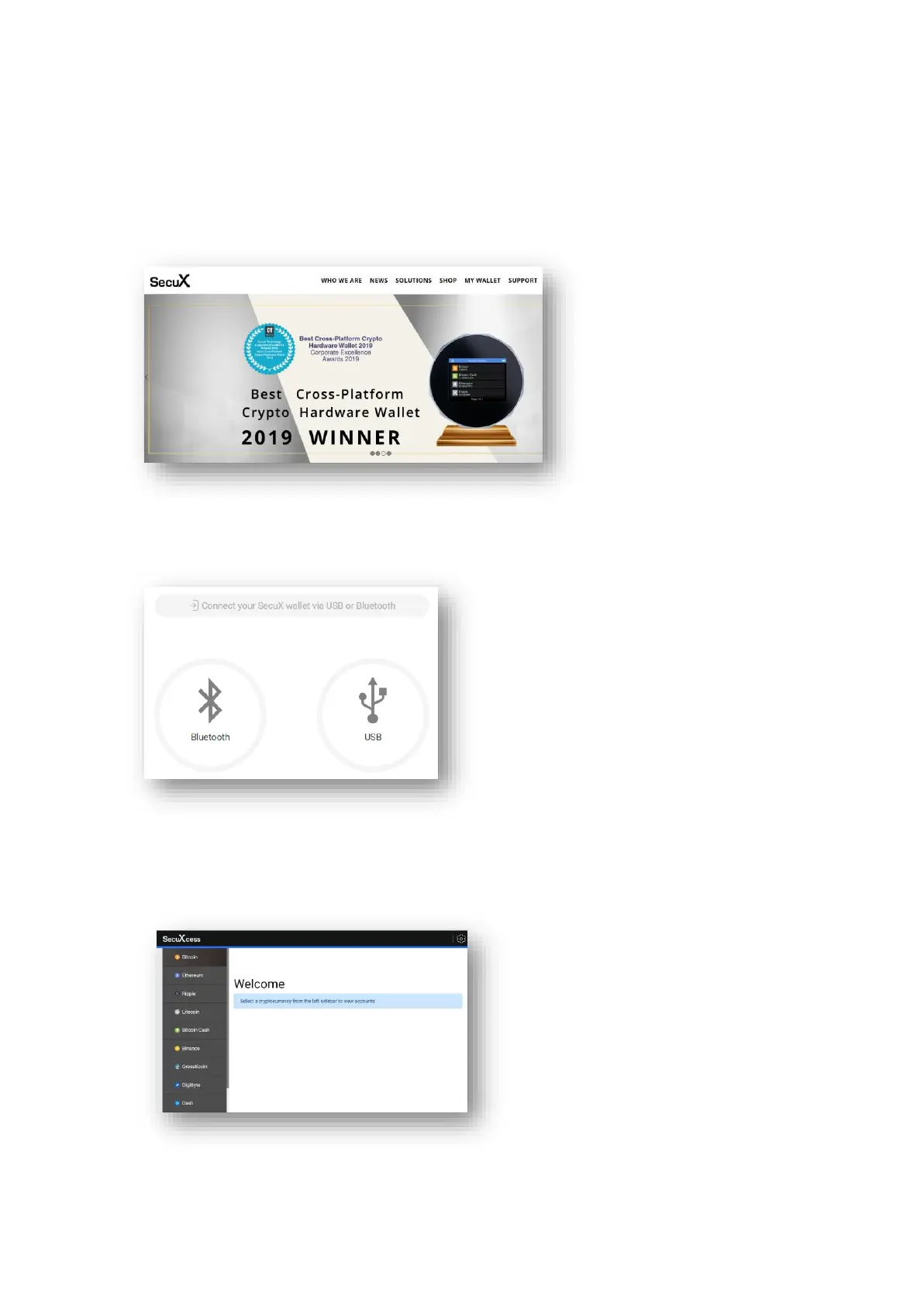
● Launch SecuXcess web wallet
On your connected host, launch SecuXcess Wallet interface by accessing the URL
https://wallet.secuxtech.com or by clicking My Wallet on the SecuX official web
● Establish connection
Please select USB or Bluetooth (depending on which you will use to connect to the host).
● Select crypto asset
Please select the crypto asset you wish to manage.


 To Next Page