EasyManua.ls Logo

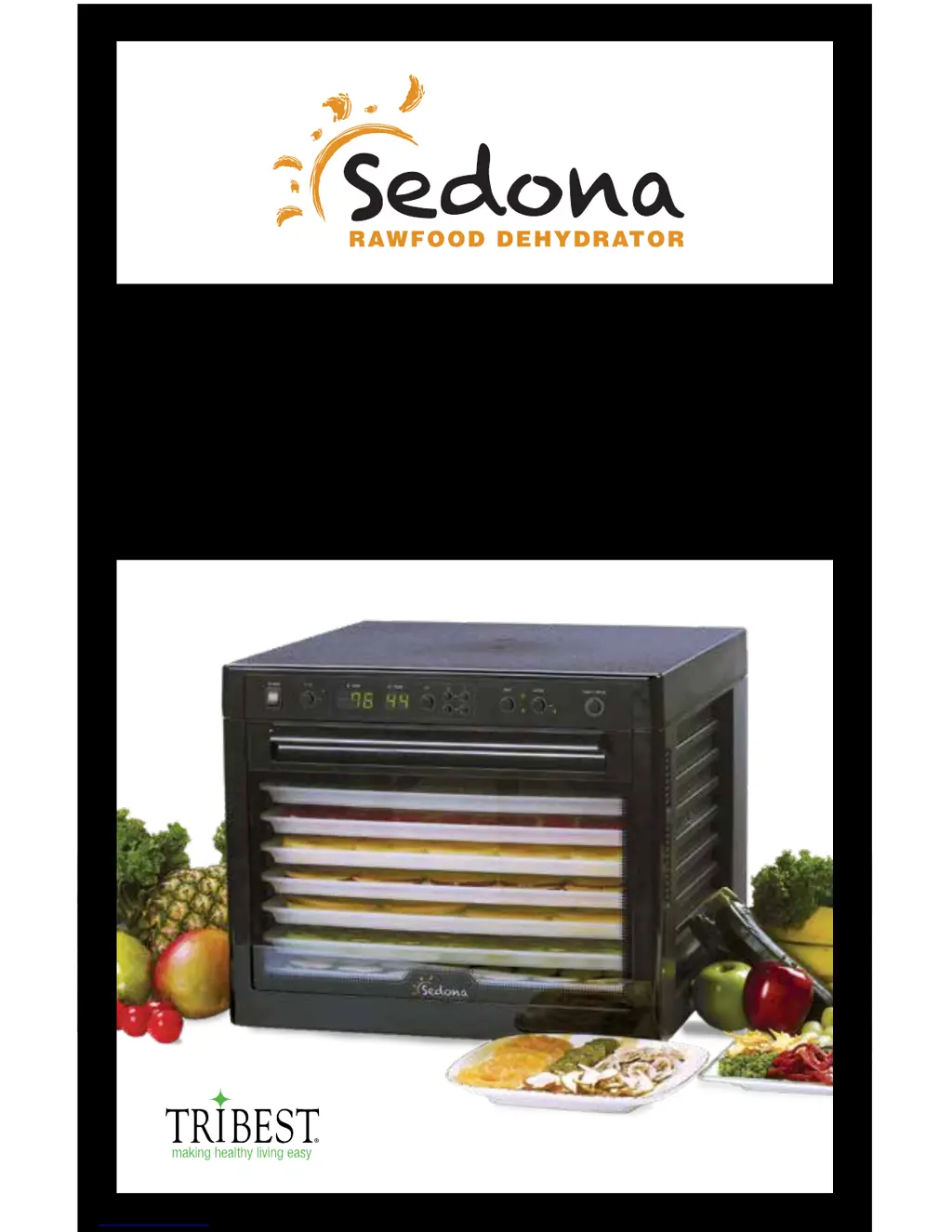
SEDONA SD-P9000 - User Manual

SEDONA SD-P9000
56 pages
Print Icon
To Next Page IconTo Next Page
Loading...
SEDONA DEHYDRATOR / DÉSHYDRATEUR D’ALIMENTS CRUS SEDONA /
SEDONA ROHKOST-DÖRRAUTOMAT / SEDONA DESHIDRATADOR DE ALIMENTOS
OPERATION MANUAL / MODE D’EMPLOI
BEDIENUNGSANLEITUNG /
MANUAL DE INSTRUCCIONES
MODEL / MODÈLE / MODELL / MODELO: SD-P9000

Questions and Answers

  • M
    monica19Jul 27, 2025
    How to fix a SEDONA Kitchen Appliance that does not turn on?
    • M
      Marissa LongJul 27, 2025
      If your SEDONA Kitchen Appliance doesn't turn on, first ensure that the plug is correctly inserted into the electrical outlet. Remove it and plug it in again, making sure it's secure. Also, check that the power switch is in the ON position.
  • R
    Rachael NovakAug 2, 2025
    What to do if my SEDONA SD-P9000 is not dehydrating?
    • A
      Ashlee KimAug 2, 2025
      If your SEDONA Kitchen Appliance is not dehydrating food properly, it might be due to a few reasons. First, check if there's too much food on the tray. Reduce the quantity to allow for better airflow. Also, ensure that the food is evenly spread on the tray in a single layer, avoiding any overlapping.
  • M
    Michael HenryAug 8, 2025
    Why are there water drops on the door of my SEDONA SD-P9000 Kitchen Appliances?
    • L
      Laura WalkerAug 8, 2025
      If you notice water drops on the door of your SEDONA Kitchen Appliance, it could be because there's too much food on the tray or the food contains too much water. Try reducing the amount of food you're dehydrating. You might also need to reduce the food quantity and increase the dehydration time.
  • E
    Eric ThomasAug 14, 2025
    How to fix uneven dehydration in SEDONA Kitchen Appliances?
    • S
      scottescobarAug 14, 2025
      Uneven dehydration in your SEDONA Kitchen Appliance can occur if the food isn't sliced evenly or if there's too much food on the tray. Make sure to evenly slice the food. Reduce the amount of food on the tray. Ensure that you've selected the correct tray for the type of food you're dehydrating.
  • K
    Keith PadillaSep 10, 2025
    Why are the display lights not on my SEDONA SD-P9000 Kitchen Appliances?
    • D
      Daniel BrownSep 12, 2025
      If the display lights on your SEDONA Kitchen Appliance are not on, the machine switch might not be turned on. Ensure the switch is in the ON position.

Summary

Introduction to Sedona Dehydrator

Important Safety Precautions

Safety Tips for Operation

Parts List

Package Contents

Lists all items included in the product package.

Optional Accessories

Details additional parts available for purchase.

Operation Guide

Set-Up Instructions

Cleaning and Maintenance

Troubleshooting Common Issues

Dehydrating Times Chart

Product Information

SEDONA SD-P9000 Specifications

General IconGeneral
BrandSEDONA
ModelSD-P9000
CategoryKitchen Appliances
LanguageEnglish

Related product manuals