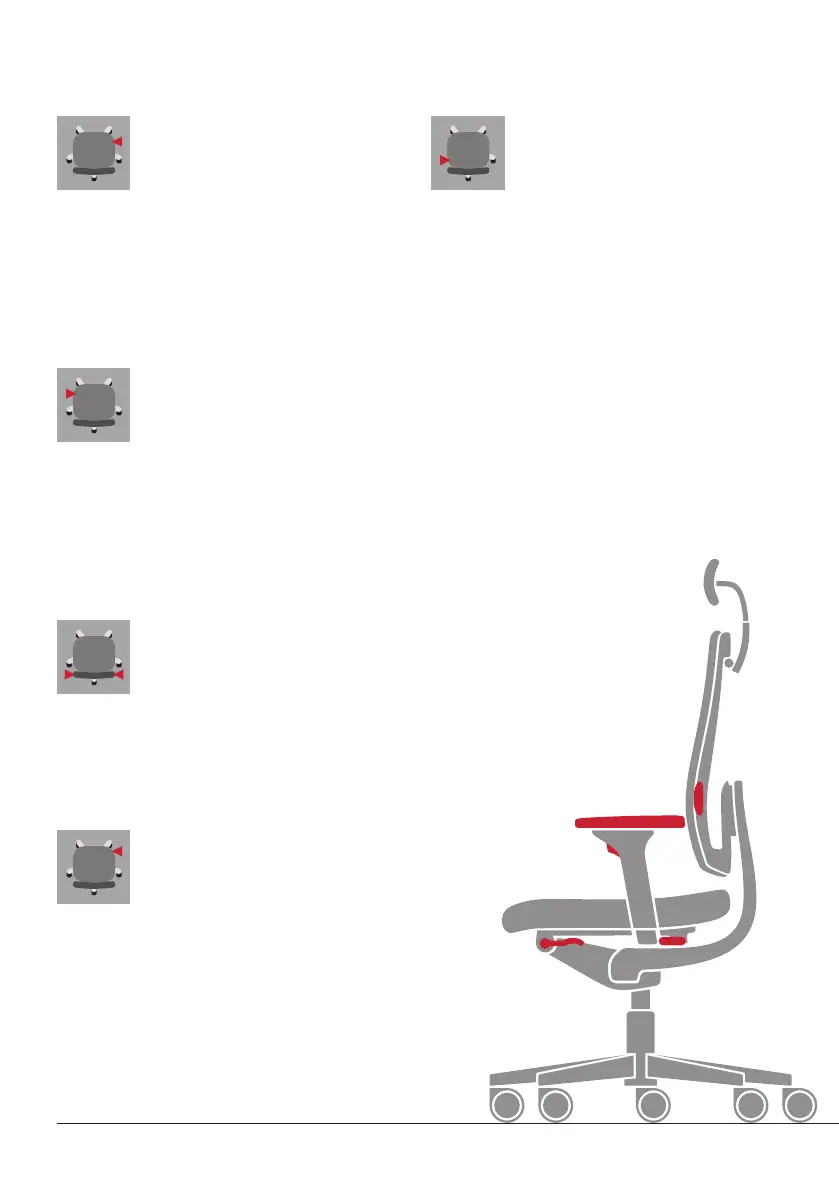
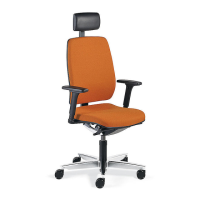
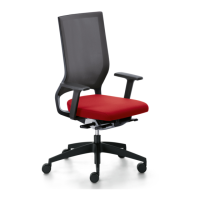
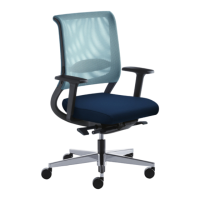
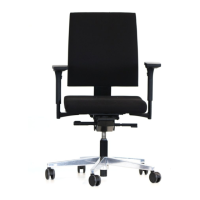
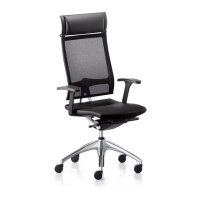
The functions of the swivel chair
8 English
P Adjusting the height: 1. Do not lean against the
backrest
2. Sliding lumbar adjustment
P Lumbar depth (optional on black dot net): Turn inlay
to increase or decrease support
P Lowering the seat: 1. Sit down on the seat 2. Pull the
lever upwards (the seat will drop slowly)
3. Releasing
the lever at the desired height will lock the position
P Raising the seat: 1. Stand up 2. Pull the lever
upwards (the seat will rise slowly)
3. Releasing the
lever at the desired height will lock the position
P Increasing the backrest pressure: 1. Pull out the
handle
2. Crank the handle clockwise (forwards)
3. Push the handle back in
P Reducing the backrest pressure: 1. Pull out the
handle
2. Crank the handle anticlockwise (backwards)
3. Push the handle back in
A Height of the seat
P Adjusting the backrest dynamically: 1. Pull the lever
upwards and release it
2. Lean against the backrest
3. The backrest is automatically released
P Locking the backrest into position: 1. Lean back until
the backrest reaches the desired angle
2. Press the lever
down and release it to lock the backrest into position
P To tilt the seat forwards: 1. Take your weight off the
seat
2. Pull the lever out, hold it and swivel it anti-
clockwise until the seat is tilted to the angle you require.
Then release the lever = lock in position
P To return the seat to horizontal: 1. Take your weight off
the seat
2. Pull the lever out, hold it and swivel it clock-
wise; the seat will return to its normal horizontal position
B Angle of the backrest
C Height of the lumbar support
(optional)
D Strength of the backrest pressure
E Adjusting the seat tilt (optional)
C
B
H
E
I


 To Next Page