4
Cautions for use of the memory card
Removal of the memory card
Errors may occur in the saved file if you remove the memory card during use.
Please refer to the following instructions to remove the memory card.
1
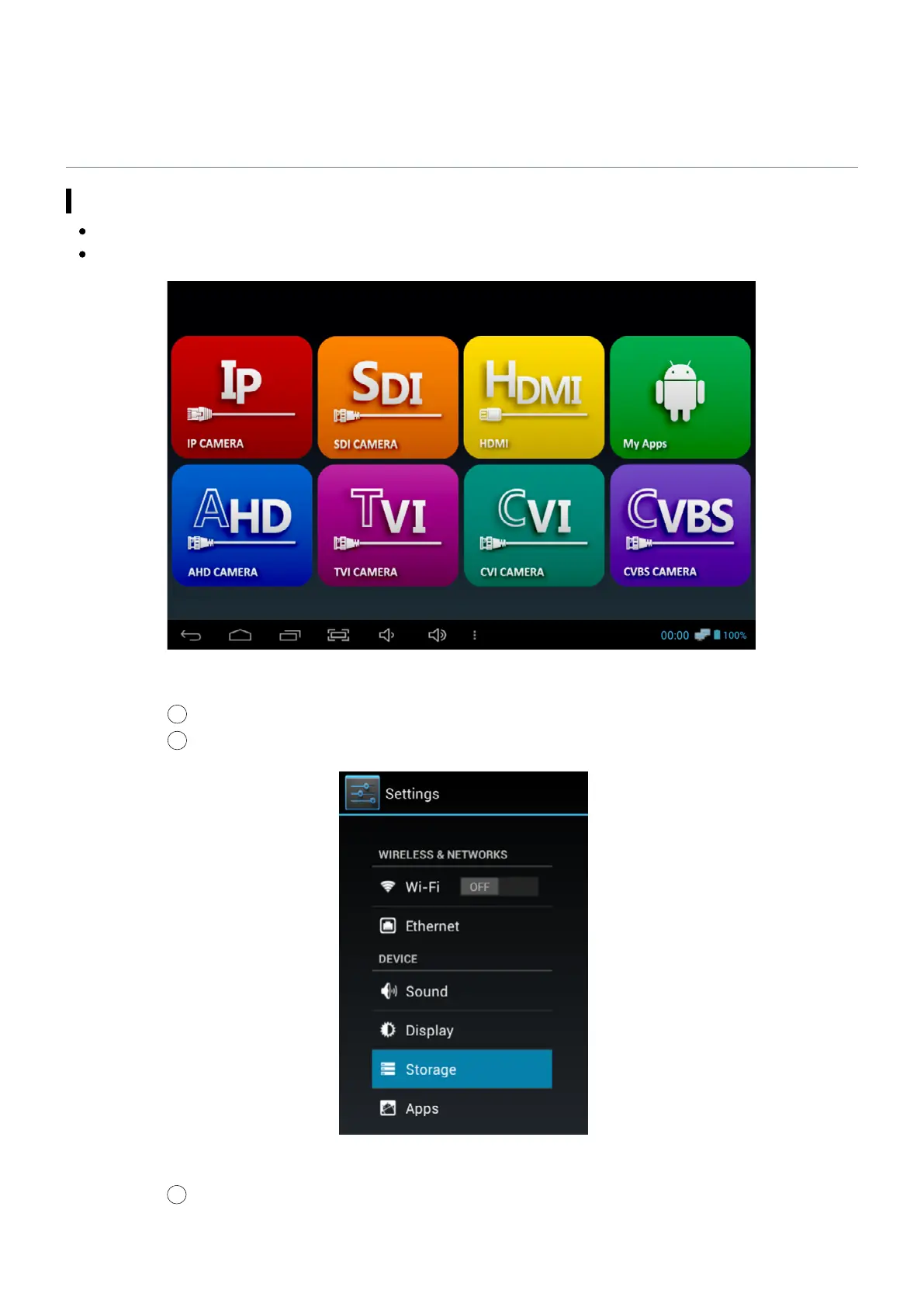
Enter My Apps page from the Home screen.
Main Home
2
Select Settings.
3
Click Storage on the Settings menu.
Settings Menu


 To Next Page