Need help?
Do you have a question about the Seek Thermal Reveal FirePRO and is the answer not in the manual?
Guide to registering your product by providing name, email, and serial number.
Instructions for charging the Reveal FirePRO using the USB cable and notes on battery life.
Steps for powering on and configuring basic settings like language and date/time.
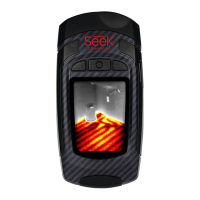
Description of the device's main screen and temperature color bar display.
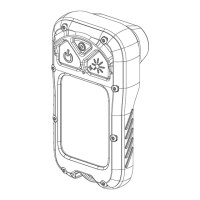
Diagram identifying key physical components and their functions on the device.
Details the 'Fire' mode, optimized for locating heat spots in fire scenarios.
Explains the 'Survey' mode for locating personnel during search and rescue operations.
Describes the 'Auto' mode, used as a demonstration for thermal imaging.
Accessing the gallery to view, manage, or delete saved photos.
Option to switch temperature display between Fahrenheit (°F) and Celsius (°C).
Configuration for date, time, language, flashlight, power, and factory reset options.
View device serial number, firmware, and product registration details.
Procedure for capturing images and how to access and navigate captured photos.
Steps to download images from the device to a computer via USB.
Guide on cleaning the camera lens to maintain image quality, including materials.
Information on how to obtain customer support and details to provide.
Addresses typical problems like power, image quality, and connectivity with solutions.
Details the policy for product returns and the limited warranty coverage.
The binding legal agreement for using Seek Thermal products and services.
 General
| Resolution | 320 x 240 |
|---|---|
| Frame Rate | 9 Hz |
| Flashlight | Yes |
| Focus | Fixed |
| Connectivity | USB |
| Temperature Range | -40°C to 330°C |
| Display | LCD |
| Waterproof/Resistance | IP54 |
| Spectral Range | 7.5 - 14 μm |
| Storage | MicroSD |

 To Next Page