EasyManua.ls Logo

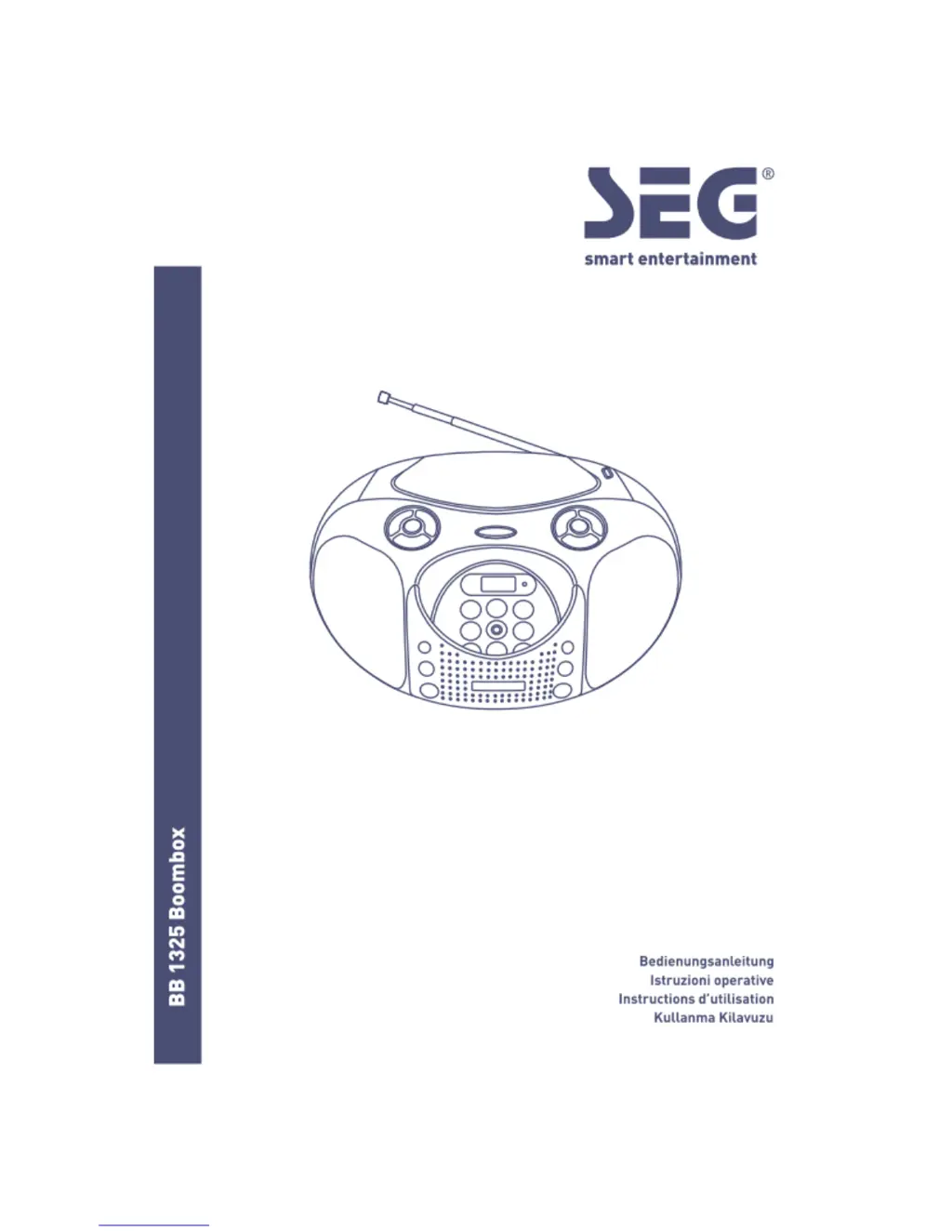
Seg BB 1325 - User Manual

Seg BB 1325
48 pages
Go to English
Print Icon
To Next Page IconTo Next Page
Loading...

Questions and Answers

  • R
    Rebecca EdwardsAug 11, 2025
    What to do if Seg BB 1325 Portable Stereo System disc does not play?
    • M
      Miss Margaret Morales DVMAug 11, 2025
      If the disc does not play in your Seg Portable Stereo System, ensure the disc is placed with the label side facing up. Also, make sure the disc is clean and free from scratches and fingerprints. Verify that the disc or file formats are compatible by referring to the 'TECHNICAL SPECIFICATIONS'.
  • K
    Katherine SmithAug 19, 2025
    Why Seg Portable Stereo System USB device is not read?
    • G
      Gary MasseyAug 19, 2025
      If your Seg Portable Stereo System isn't reading the USB device, verify that the USB device file system is in FAT or FAT32 format. Note that due to different formats, some models of USB storage devices or MP3 players may not be compatible.
  • K
    Kelsey HooverAug 26, 2025
    How to fix noise or distorted sound in radio mode on Seg Portable Stereo System?
    • T
      Tammy WhiteAug 26, 2025
      To improve radio reception on your Seg Portable Stereo System, extend and reposition the FM antenna to find the best signal. You can also try setting the MODE switch to FM MONO.
  • J
    Joseph ParkerSep 2, 2025
    How to fix Seg Portable Stereo System if the player or display does not work properly?
    • M
      marcusgraySep 2, 2025
      If the player or display of your Seg Portable Stereo System isn't functioning correctly, press the ON/STANDBY button to put it into standby mode, and then press it again to turn the unit back on. If this doesn't resolve the issue, try unplugging the AC power cord for a few seconds before plugging it back in to reset the system.

Seg BB 1325 Specifications

General IconGeneral
BrandSeg
ModelBB 1325
CategoryPortable Stereo System
LanguageEnglish