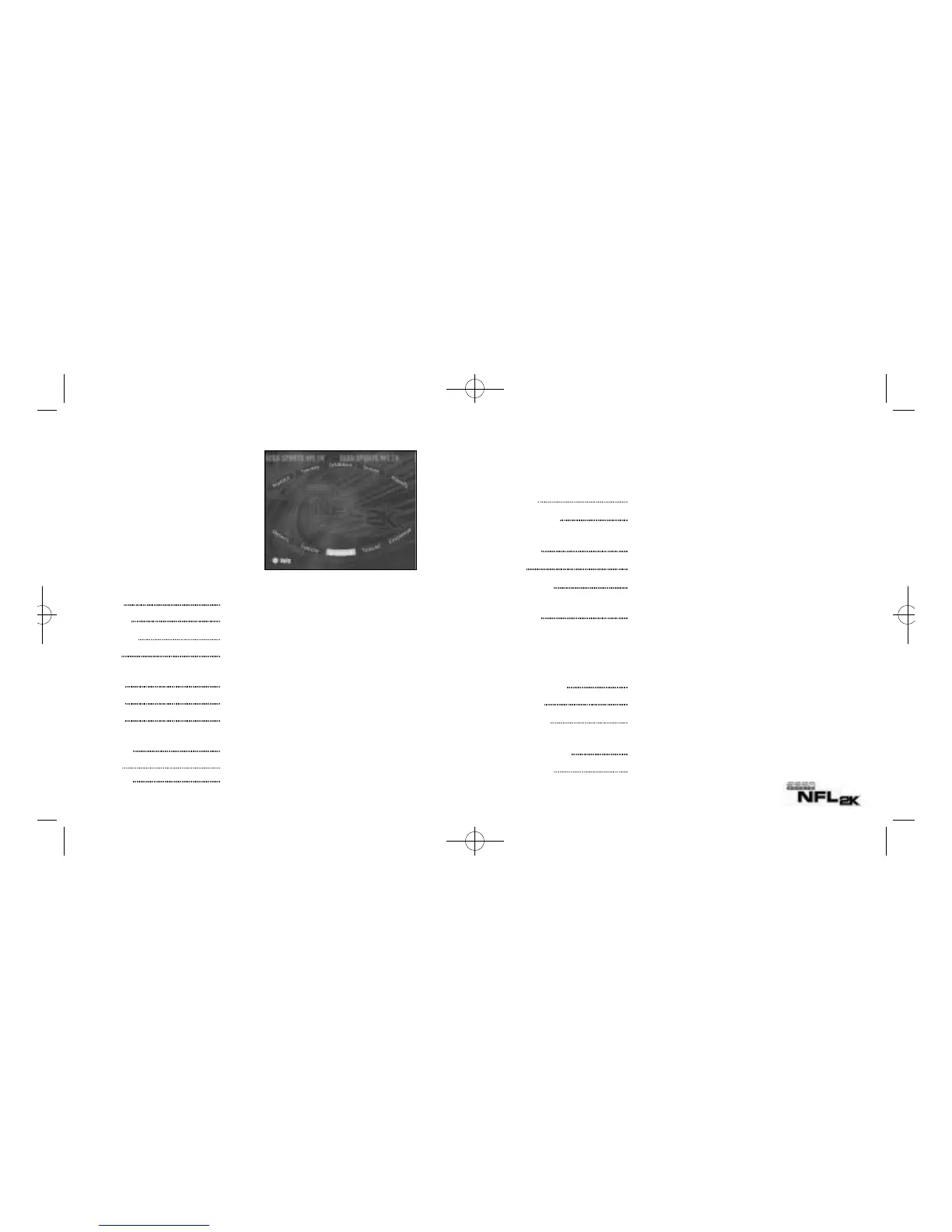
OPTIONS MENU
Customize the following game set-up options prior to kickoff:
-Press A to cycle forward through an option selection; X to cycle backward.
Weather Time of day, temperature, precipitation, wind speed, and fog
Game Options Quarter length, skill level, play calling, VMU play calling, game speed,
fatigue and injuries, coach mode, and Performance EQ
Controller Adjust the control/button settings
Codes Discover hidden game secrets
Presentation Adjust the game amenities (action replays, commentary, sound effects
volume, etc.)
Penalties Control the frequency of any penalty
GAME OPTIONS MENU
Select Game Options from the Main Options Menu and adjust the following settings accordingly.
Quarter Length Play 1- to 15-minute quarters
Skill Level Rookie, Pro, or All-Pro
Play Calling By Formation (4-3, I Form, Shotgun) or By Type (Blitz, Long
Pass, Short Run)
VMU Play Calling When ON, play formations/sets are displayed on your VMU
Game Speed Normal, fast, or slow
13
GAME SET-UP
Main Menu
The Main Menu is where you will
make all your game selections and
option adjustments. The Main Menu
appears after the NFL 2K title screen.
Press the Start Button to bypass the
intro sequence and go straight to the
Main Menu.
Practice Be sure you’re ready on game day
Exhibition Choose your teams and take the field
Tournament Tackle up to 15 other teams. (See Tourney on page 17)
Season Make a regulation run for the Super Bowl Trophy.
(See Season on page 16)
Playoffs Kick off a playoff run for the Super Bowl ring
Options Customize the game parameters
Fantasy Draft and play in a season of your own design
(See Game Modes on page 16)
Quickstart Let the computer choose the teams and play an Exhibition game
Tutorial Learn as you play
Customize Design your plays, players, and team
12
Practice
Season
PlayoffsExhibition
Exhibition
Options
Tutorial
CustomizeQuickstart
Fantasy
2KFootballV4 2/25/00 11:50 AM Page 12




 To Next Page