5
English
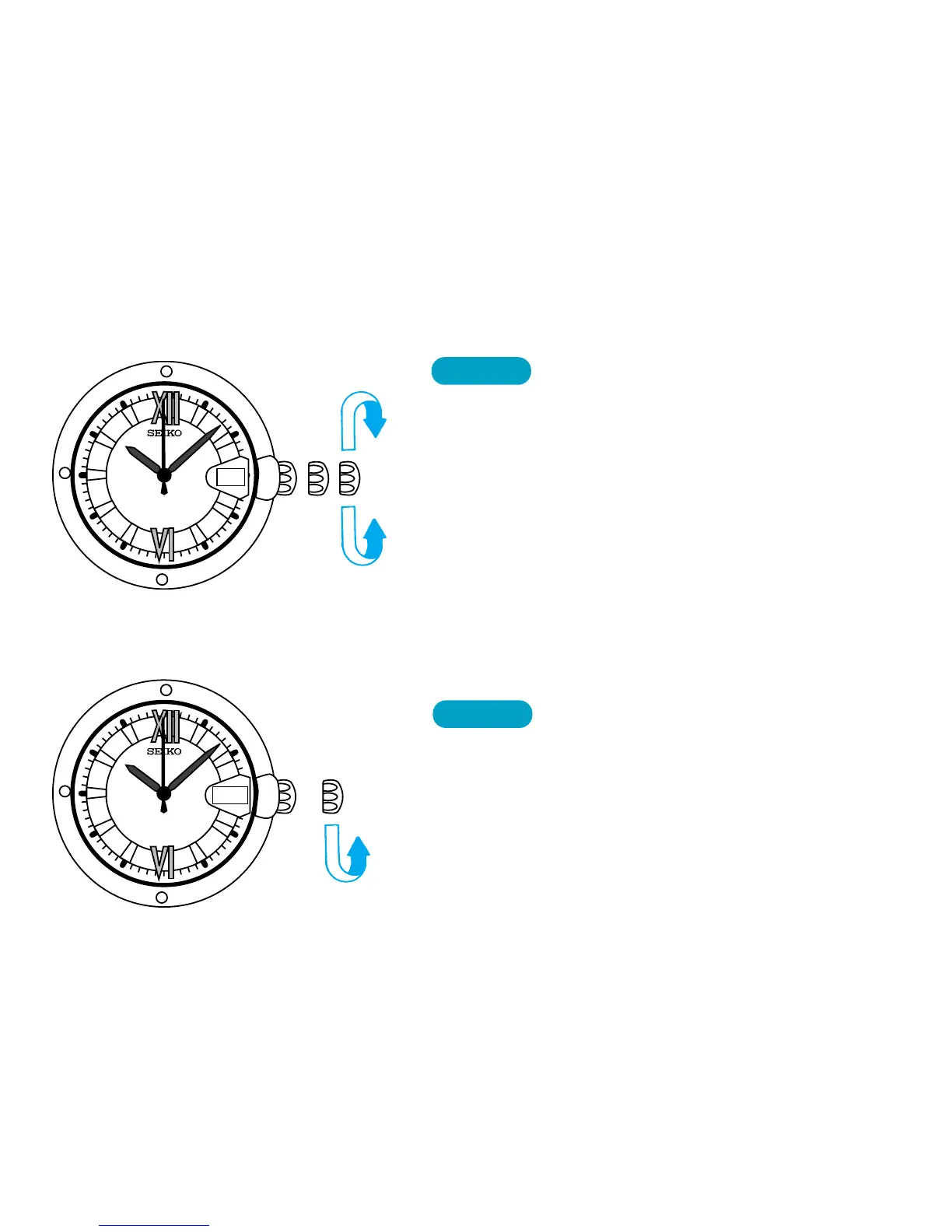
TIME/DATE SETTING
8
CROWN
➠
➠
Pull out to second click when Second hand
is at the 12 o’clock position.
▼
Turn in either direction to set the time and
date.
▼
Push back completely in accordance with
a time signal.
DAY SETTING
(For Cal. 8F33)
● Set the time and date first, and then, set the day of the week.
CROWN
Pull out to first click.
▼
Turn counterclockwise to set the day.
▼
Push back in to normal position.
8
MON
➠
➠



 To Next Page