6
English
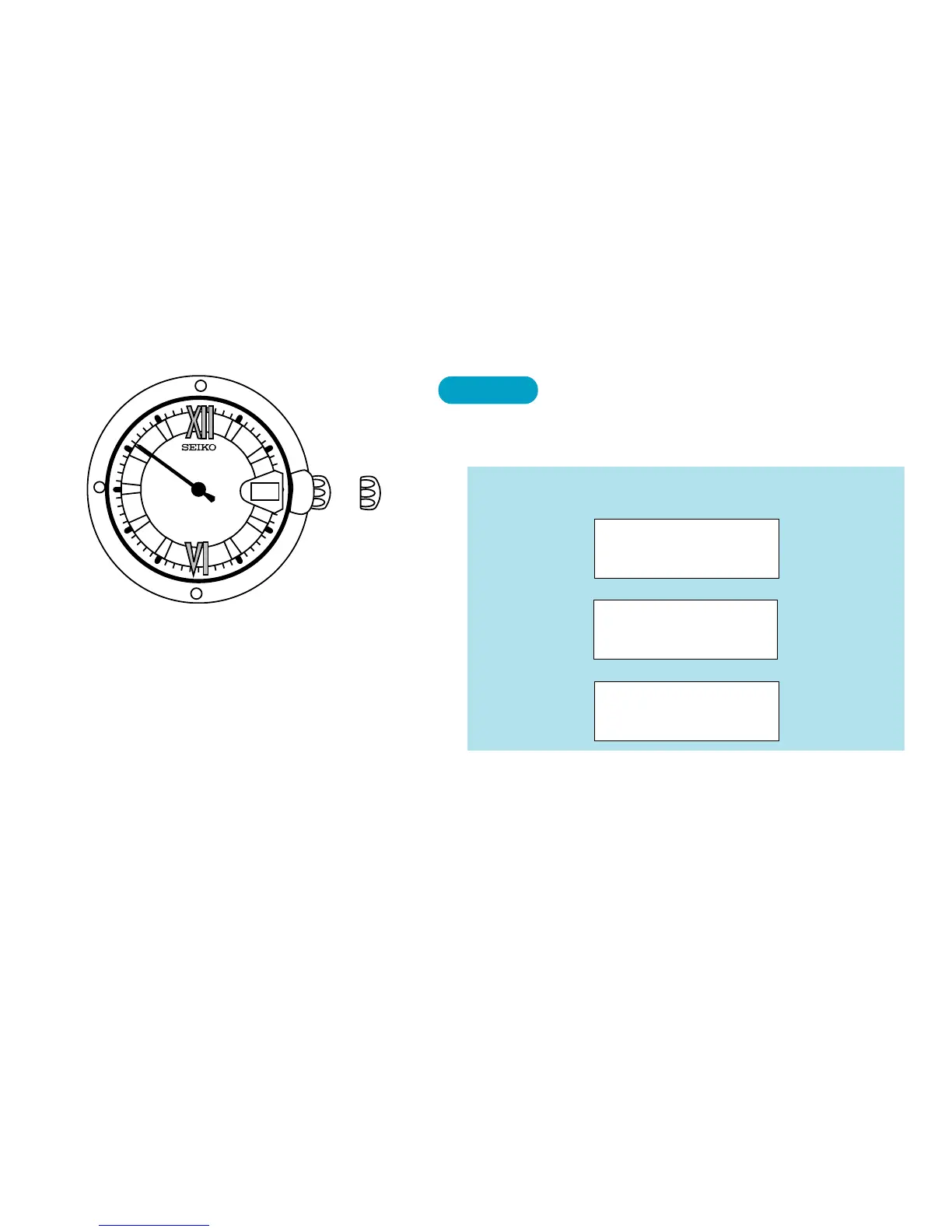
HOW TO CHECK THE CALENDAR
Pull out to first click, and push back in to
normal position within a second.
CROWN
1. Leap year indication
The second hand moves quickly at five-second intervals and stops to indicate the
number of years that have passed since the last leap year. Before pulling out the
crown to the first click, check and remember where the second hand is so that you can
read how many seconds it has advanced.
● The watch shows the calendar in the following
order:
1. Leap year
(Second hand)
2. Month
(Calendar frame)
▲
3. Date
(Calendar frame)
▲
➠
➠
8


 To Next Page