12
Setting up the Printer
If the printer is not recognized using the installation wizard, you will need to set up your printer manually.
To do so, follow these steps:
Prepare the Roll of Labels
1. Open the Smart Label printer software.
2. Under the Label pull-down menu, select Printer Set-up.
3. Select Add a printer.
4. Select how your printer is connected and click Done.
Loading a Roll of Labels
Prepare the Roll of Labels
1. Remove the sticker from the beginning of the roll of labels.
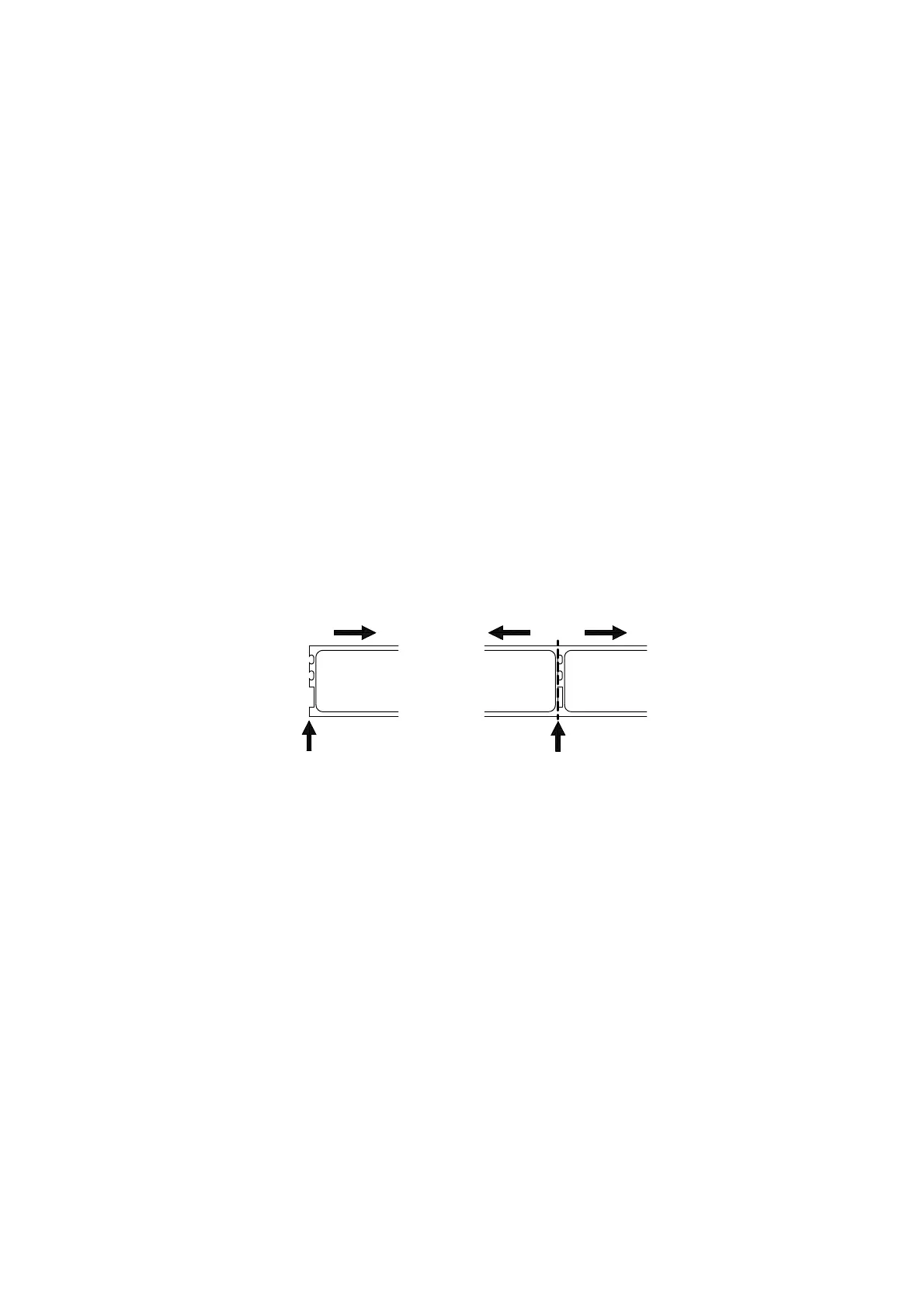
Note: Make sure there is a black mark on the label backing as shown in
"A WORD ABOUT LABELS".
2. If necessary, cut between the labels to create a "leader".
Roll Waste
Roll
Cut here
Prepared end
If the end of the roll is not prepared as shown above, cut between the labels leaving as much backing as
possible on the end of the roll to act as a leader.



 To Next Page