14
3. Remove the Spindle from the SLP and insert the label roll into the Spindle.
4. Insert the labels and Spindle into the SLP. Adjust the guides to fit the labels as shown below.
Label guides
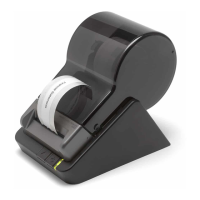
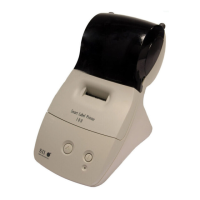
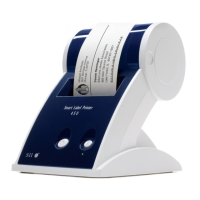
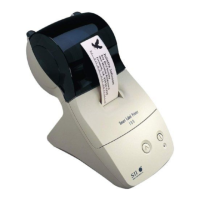
SLP provides three types of labels which have different paper width. Insert each label into
positions shown in the figures below.
5. Insert the free end of the label roll, label side down, into the paper inlet slot. Push the label stock into
the paper inlet slot until you feel a slight resistance. Continue pushing gently. The SLP automatically
feeds the labels through and aligns the end in the exit slot.
If the label end doesn't appear through the exit slot:
Press and release the Form Feed Button to advance the labels.
Label Guides



 To Next Page