English
10
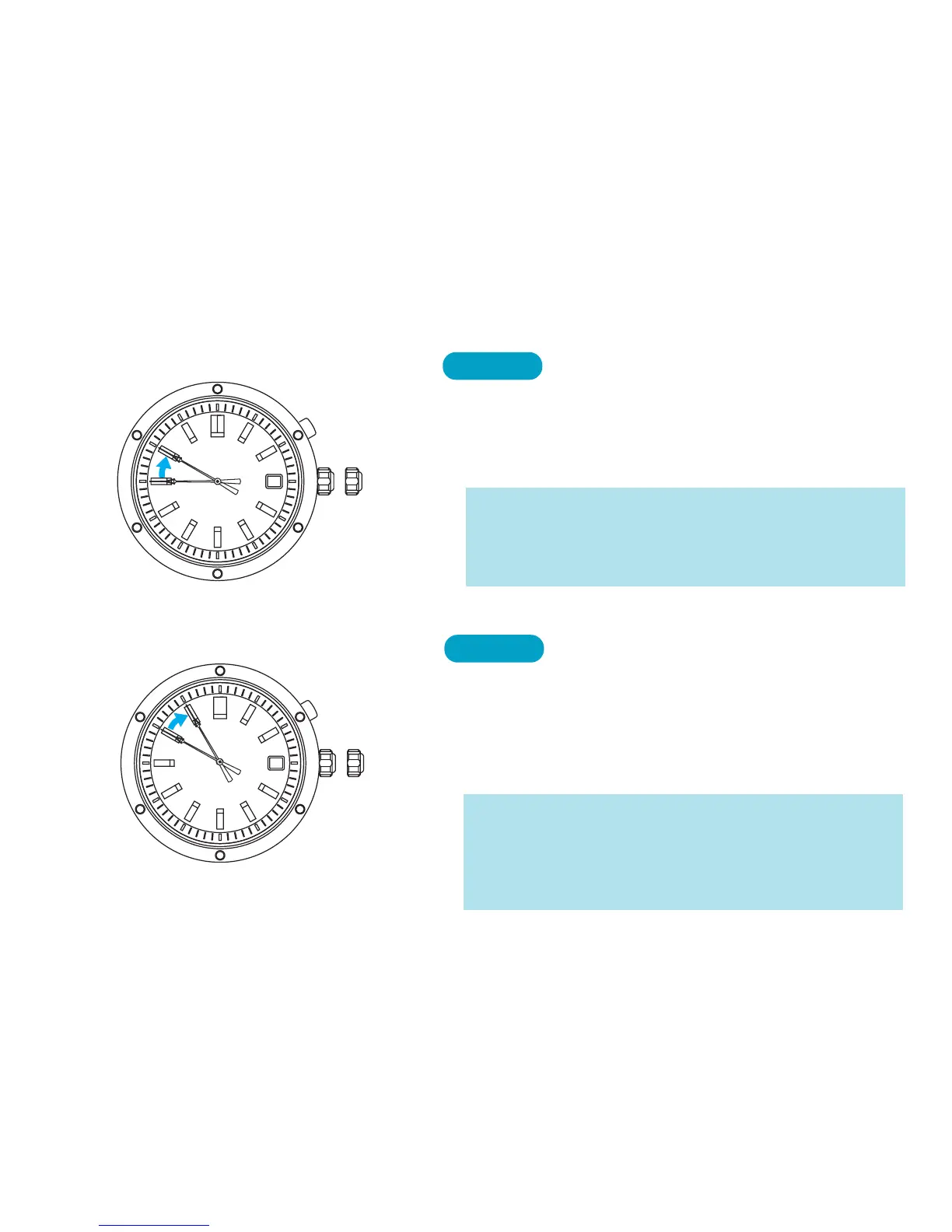
5. Current month
7
➡
Press once.
The second hand will advance and stop at the
10 o’clock position. The current month will be
shown in the calendar frame.
BUTTON
* If the current month is not shown in the calendar
frame, turn the crown clockwise or counterclockwise
to set the numeral to the current month (the numeral
changes between 1 and 12).
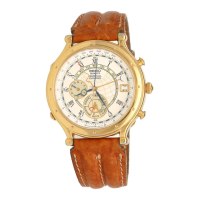
6. Current year
5
➡
Press once.
The second hand will advance and stop at the
11 o’clock position. The last 1 or 2 digits of the
current year will be shown in the calendar
frame.
BUTTON
* If the current year is not shown in the calendar frame,
turn the crown clockwise or counterclockwise until
the last 1 or 2 digits of the current year are shown.
* See the YEAR TABLE to confirm the last 1 or 2 digits
of the current year.



 To Next Page