English
8
6
Pull out to first click.
CROWN
➠
1. Starting the check and adjustment of the calendar
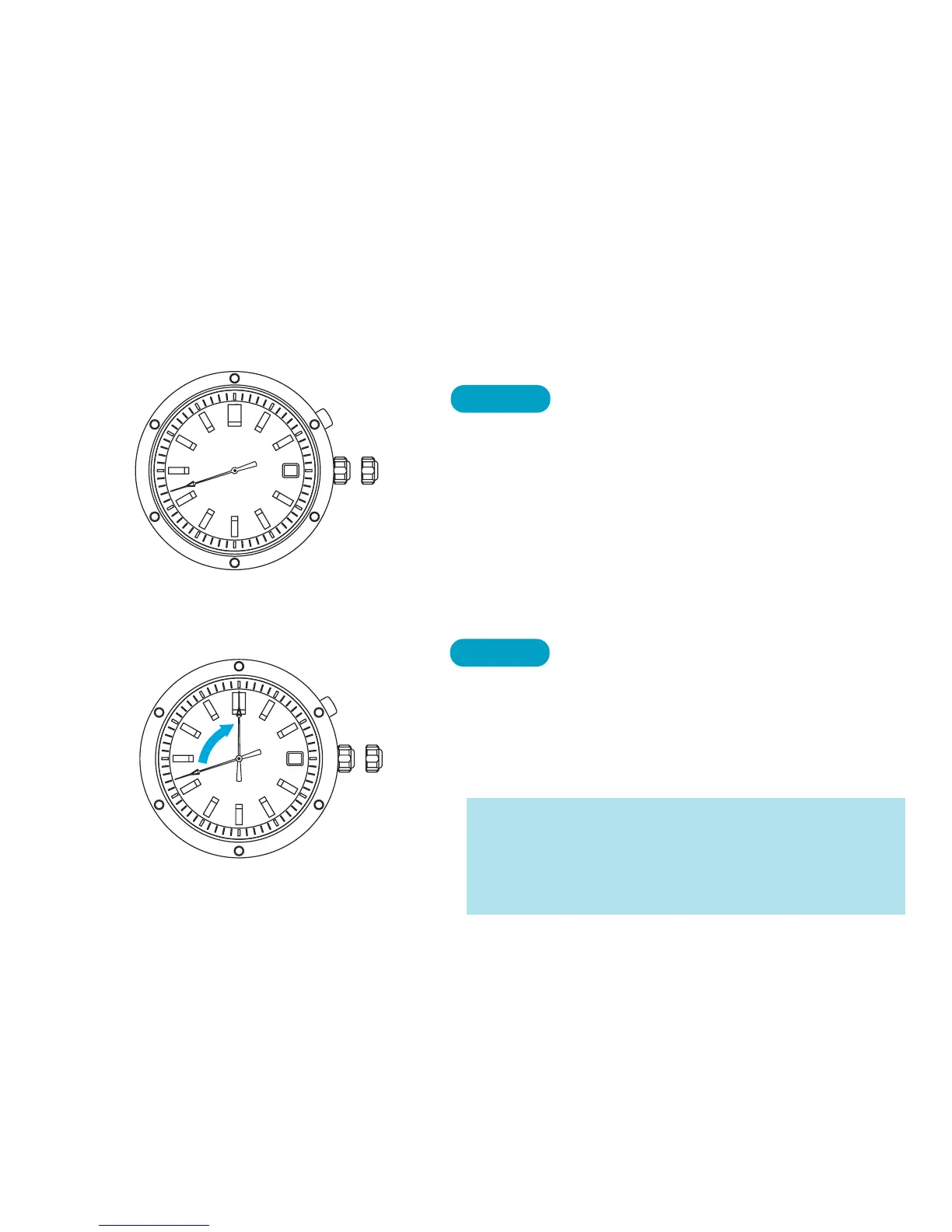
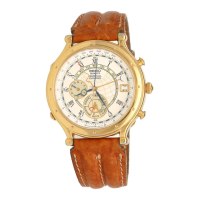
2. The initial position of the second hand
BUTTON
1
Press for 2 seconds.
The second hand will move and stop at the 12
o’clock position (initial position). The nu-
meral in the calendar frame will automati-
cally move and stop to show “1.”
* If the second hand is not set at the 12 o’clock position,
turn the crown clockwise or counterclockwise to set
the second hand to the 12 o’clock position.
* The second hand advances or moves back in 1-second
increments when the crown is turned until it clicks.
➡



 To Next Page