10
English
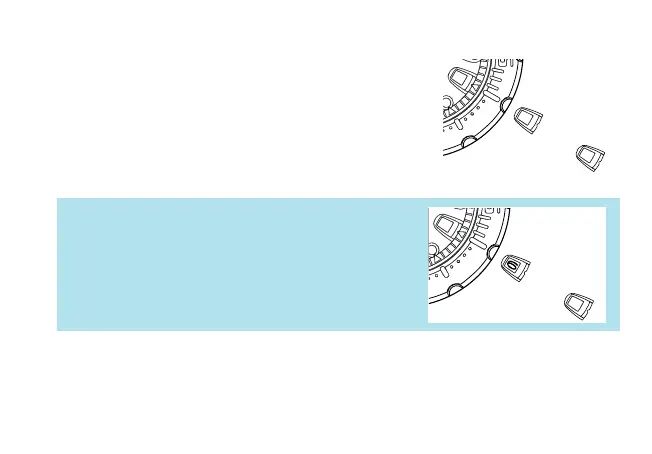
2. Current month
The current month is shown in the calendar frame for
5 seconds.
* January is represented by “1”, February “2”, and so on.
Ex.: November 1st
Ex.: May 5th
* When the month and date are represented by the same
numeral as in the case of “January 1st”, “February 2nd” and
so on, the numeral in the calendar frame quickly advances
and moves back by one to indicate that the month and date
numerals are identical.
★ After the calendar has been displayed, the second hand starts moving quickly and
then resumes normal movement.
3. Current date
The numeral in the calendar frame returns to the
current date.
➡
1
11
➡
1
➡
5
➡
5



 To Next Page