15
English
English
14
<How to reset the stopwatch>
WHILE THE STOPWATCH HANDS ARE MOVING
1. Press Button A to stop the stopwatch.
2. Press Button B to reset the stopwatch.
WHILE THE STOPWATCH HANDS ARE STOPPED
One of the following stopwatch operations has been made. Reset the stopwatch
accordingly.
[When the stopwatch is stopped]
1. Press Button B to reset the stopwatch.
[When the split time measurement is displayed while the stopwatch is
measuring]
1. Press Button B to release the split time display. The stopwatch hands
move quickly, and then indicate the measurement in progress.
2. Press Button A to stop the stopwatch.
3. Press Button B to reset the stopwatch.
[When the split time measurement is displayed and the stopwatch is
stopped]
1. Press Button B to release the split time display. The stopwatch hands
move quickly, and then stop.
2. Press Button B to reset the stopwatch.
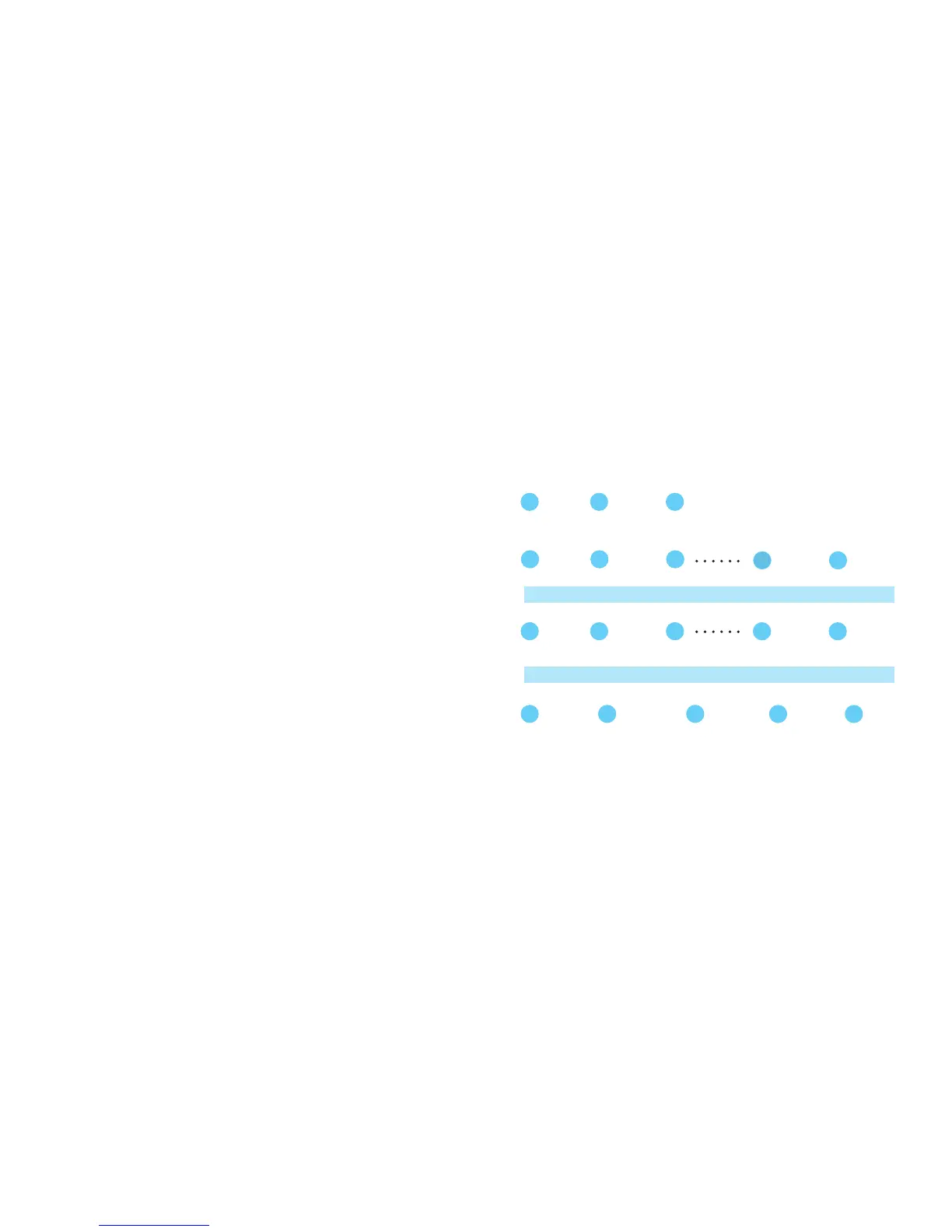
Accumulated elapsed time measurement
A
START
A
STOP RESTART
t
t
A
STOP RESET
B
t
A
t
RestartandstopofthestopwatchcanberepeatedbypressingButtonA.
Split time measurement
A
START SPLIT
t
t
A
STOP RESET
B
t
t
B
B
MeasurementandreleaseofsplittimecanberepeatedbypressingButtonB.
SPLIT
RELEASE
Measurement of two competitors
A
START
t
t
B
RESET
B
t
t
B A
FINISH TIME
OF 1ST COM-
PETITOR
2ND COMPETI-
TOR FINISHES
FINISH TIME
OF 2ND COM-
PETITOR
Standard measurement
A A B
t
t
START STOP RESET


 To Next Page