TEC Series v 3.2X
Page 19
If you have any problems getting the "PASSWORD" message on your personal computer, it may be
necessary to check your personal computer's operation. The best way is to remove the TX and RX
wires from the TEC serial port adapter and temporarily connect them together. This is called "echo"
or "loop back" and will verify terminal connections. While operating the terminal software program,
pressing a character on the terminal should echo the same character to the screen. Now re-check
this by disconnecting the TX and RX wires, and echoing a character. This time, nothing should echo
to the screen.
Until you can verify this operation, there is no need to connect the personal computer to the
TEC serial board. The most common problems are either wiring disorders or incorrect COMM port
selection in the software used by the personal computer.
Once "loop back" has been verified, the LED lights on the serial board can provide information
as to system status. The receive (RCV) LED should flicker briefly every time a keystroke is sent from
the personal computer keyboard. The transmit (XMT) LED will flicker or remain on every time the
TEC sends a signal to the personal computer screen. Have someone access the TEC from the front
keypad and print a report. The XMT LED will stay on for the duration of the report.
Connecting a terminal to a TEC series unit is similar to connecting a personal
computer. The diagram on the next page shows the connections necessary to operate most CRT
terminals with a TEC. Connect ground to the CRT terminal ground. Connect TX from the serial
adapter port to RX of the CRT terminal. Connect RX from the serial port adapter to TX of the CRT
terminal.
The communications parameters for the terminal to communicate with the TEC are: 8 bits, No
parity, 1 stop bit (8, N,1). If your terminal supports emulation modes, set the emulation to VT-100B.
If it does not, program the TEC terminal type from VT-100B to "dumb" terminal mode. (See Pg. 36.)
The TEC leaves SES set at 9600 baud. Set your terminal to this speed. Belden cable # 9925 (or
equivalent) can be run for distances up to 100 feet. For greater distances, consult factory.
After the terminal is connected and powered on, press the escape key <Esc> once. This
prompt will appear on the CRT screen:
PASSWORD
You have 10 seconds to begin entering the password. If you wait more than 10 seconds
before entering the password the TEC will revert back to normal operation and you will have to re-
enter the "Esc" key again.
All TEC systems leave SES with a factory password of 777777. As the password is entered,
the screen will replace each character with an “*” to keep the password confidential.
After the password is entered, the main menu will be displayed. If you have any problems
getting the "PASSWORD" message on your terminal, it may be necessary to check your terminal's
operation. Use the procedure above for computer as the communication method is the same.
Some terminals have hardware "handshaking" signals that need to be connected in order to
achieve proper operation. Refer to your terminal manual for correct connections. The drawing below
shows the most common configuration for terminals, and may be of some use if information for your
terminal is not available. The BSY (busy) signal is active only for systems that have purchased the
optional transaction buffer (OPTXBUF). Due to the large number of terminals on the marketplace,
SES is unable to provide technical support for terminals not purchased from SES.
TERMINAL
14.2 CONNECTING A PERSONAL COMPUTER TO THE SERIAL PORT
ACCESSORY INSTALLATION
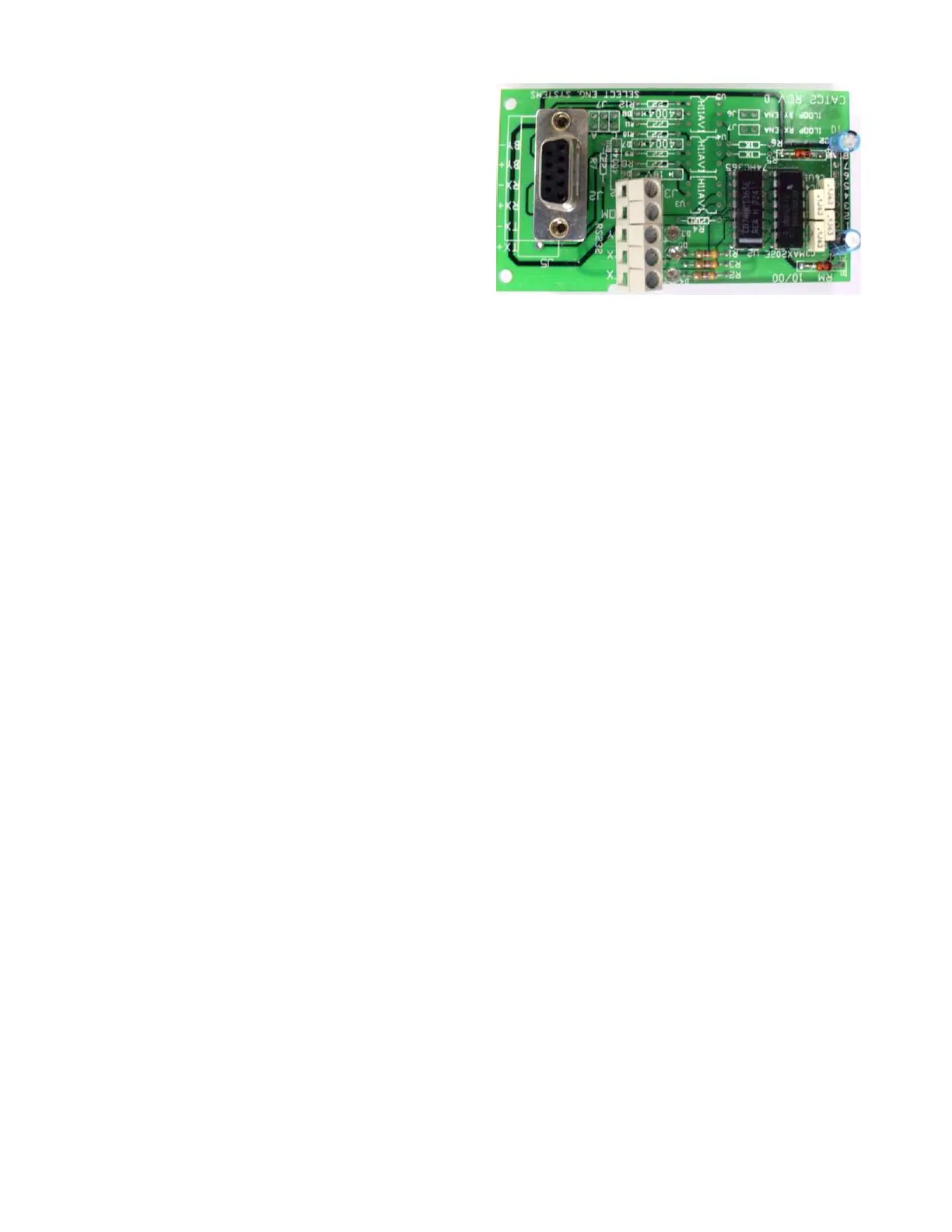
Available with 90 degree connector, upright
connector (T101 style shown) or current
loop.
Use with standard DB9 Cable or connect
with wire.
(OPTIONAL)


 To Next Page
 Loading...