TEC Series v 3.2X
Page 41
Holidays can be used to keep time zones valid (or not) on Holidays, or by
setting a different time zone to be valid for a different period of time on a Holiday. There are 9
Holidays numbered 0 - 8 available for use on a TEC.
After the month is selected, you will be prompted to key in the date.
This is a 1 or 2 digit number between 1 and 31. If you make a mistake,
press "0" and "#" simultaneously to backspace one character. After the
date is entered, press the “*” key.
Select "3" to set the Holiday. Holidays may be entered in any order.
You will be prompted to select a Holiday between 0 and 8. If
you make a mistake, press "0" and "#" simultaneously to backspace
one character.
SETTING HOLIDAYS
After the Holiday is selected, you will be prompted to key in the month.
This is a 1 or 2 digit number. If you make a mistake, press "0" and "#"
simultaneously to backspace one character. Press the “*” key after the
month is entered.
MONTH:
DATE:
HOLIDAY <0-8>
Holiday Month Day Holiday
0
1
2
3
4
5
6
7
8
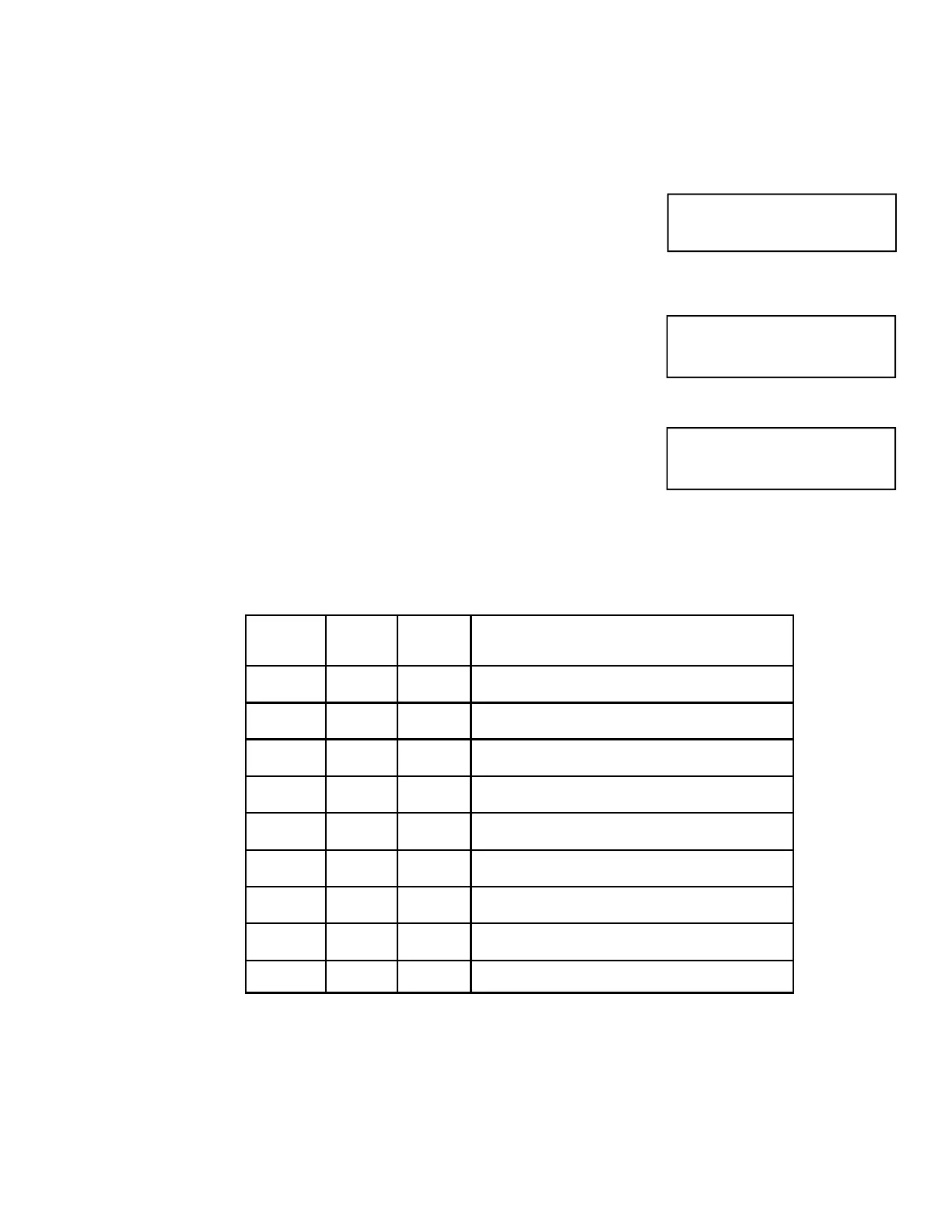
The table below may be used to help keep track of which Holidays are required for this installation.
Writing them down in the table provided will help reduce programming entry errors. Remember,
Holidays may be entered in any order.
SETUP AND PROGRAMMING


 To Next Page
 Loading...