14
15
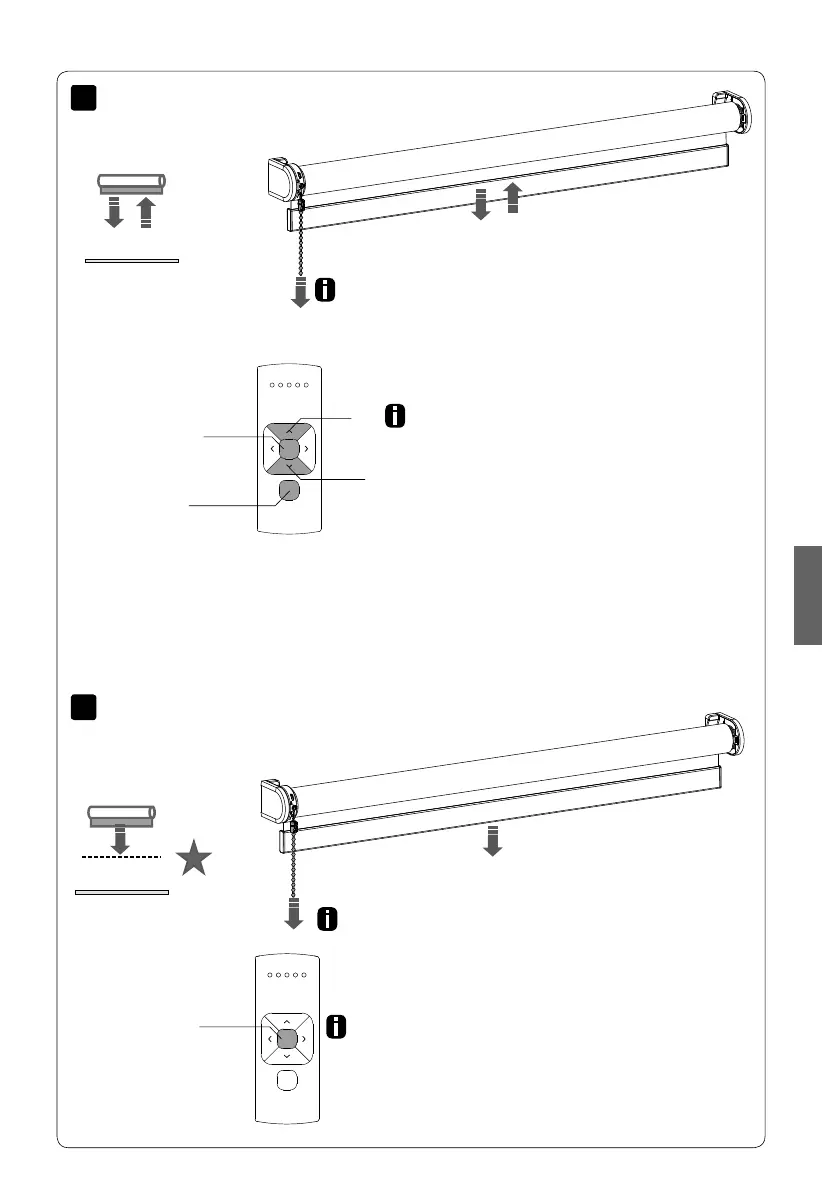
Pull control: Pull and hold to move the blind to
the favourite position.
Remote control: press the centre button to move
the blind to the favourite position.
Pull control: pull once to move the blind to the
end positions. Pull again to stop the blind.
Remote control: Choose the channel with which the
blind has been paired using the channel button.
Press the up or down button to operate the blind.
Press the centre button to stop the blind.
Up
Down
Centre
Channel
Selection
Centre
Operate the blind
Move to favourite position
English
MOTION CM-03/05 LI-ION TUBULAR MOTOR



 To Next Page