3
3G /4G
3. CONNECT THE BRIDGE TO A WI-FI NETWORK
Connect the bridge to a Wi-Fi network
An active internet connection is required to add the MOTION bridge to your home Wi-Fi network.
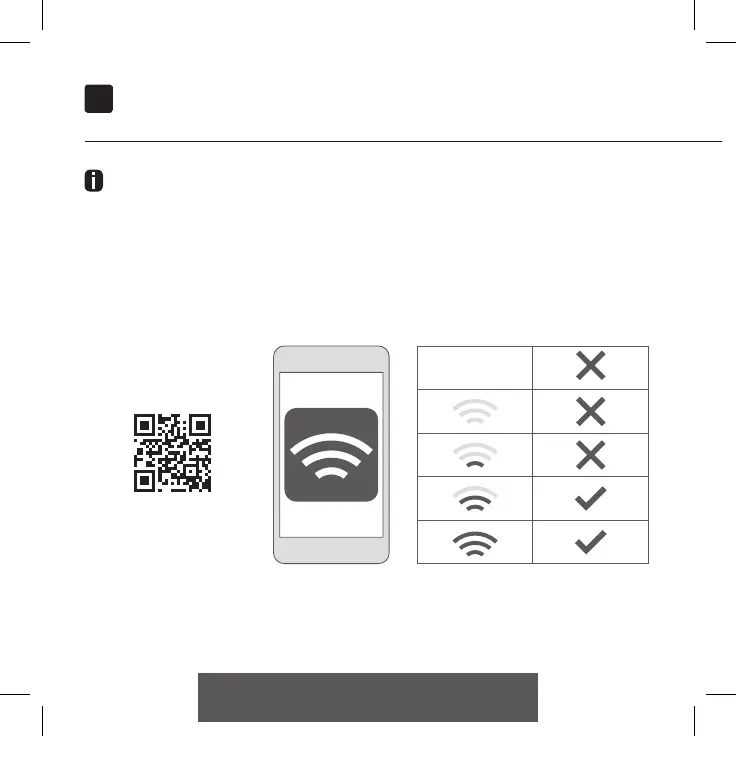
Choose a location for the MOTION bridge in your home. Connect your smartphone or tablet to your
home Wi-Fi network to check the strength of the Wi-Fi signal at this location.
To avoid interference please make sure the MOTION bridge is located at least one meter away from
any other Wi-Fi devices, including your router.
Video
MOTION app:
how it works
rtube.nl/red1074
CM20 Motion Wi-Fi bridge 115x115.indd 8 18-10-18 16:27



 To Next Page