35
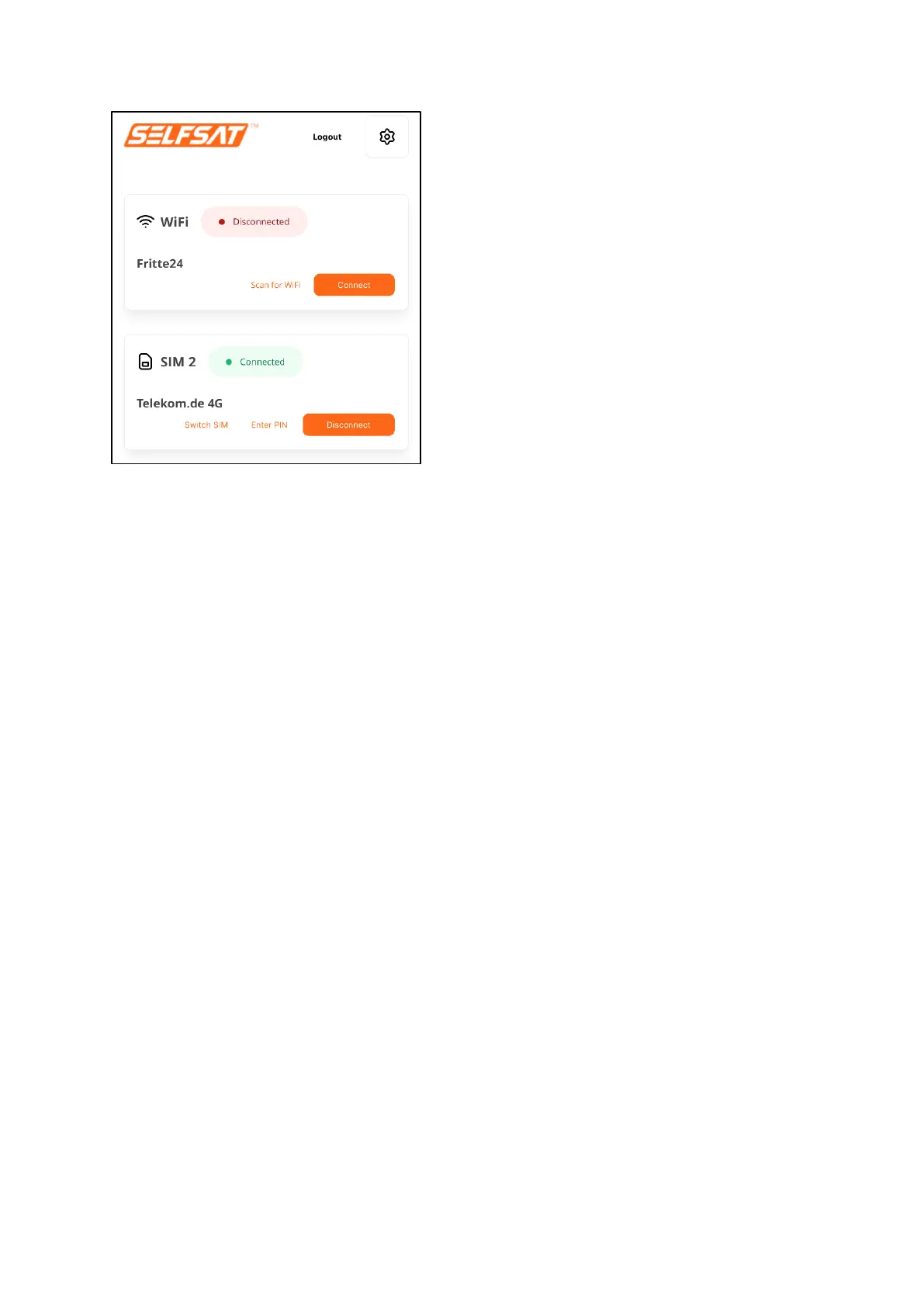
There is now a connection to the internet and all devices and their apps or
programs that you have connected to your router via WiFi or LAN cable can be
used and access the internet like at home or in a hotel.
If you press "Logout" in the upper right area, you will be logged out of your
router's user interface. Your router's connections remain active.
Always disconnect an existing mobile network connection before you want to
connect to a WiFi network or connect to the mobile network with the 1
st
SIM
card. To do this, press the "Disconnect" button. The connection status in the
"SIM" field then changes to "Disconnected" (orange) and the connection to
the internet is interrupted. Since the SIM card is still registered in the
operator's mobile network, the network operator ID and the network used
remain visible in the "SIM" field.


 To Next Page