19
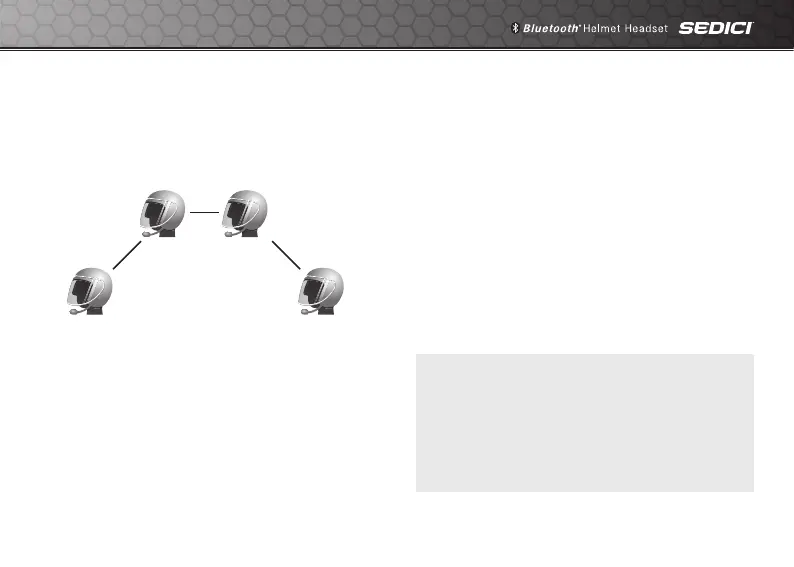
5.2.2 Starting Four-way Intercom
With three intercom friends connected, a new
participant (D) can make it a four-way intercom
conference by making an intercom call to
either (B) or (C).
Intercom
Friend B
Intercom
Friend C
You
(A)
Intercom
Friend D
5.2.3 Ending Multi-Way Intercom
You can completely terminate the conference
intercom or just disconnect an intercom
connection with one of your active intercom
friends.
1. Press and hold the Center Button for 3
seconds until you hear a beep to terminate
all intercom connections.
2. Tap the Center Button to disconnect from
yourrstintercomfriend.Doubletapthe
Center Button to disconnect from your
second intercom friend.
Note:
Multiple headsets are connected during
multi-way intercom. With various signals
interfering each other, the intercom distance
of multi-way intercom is relatively shorter than
that of two-way intercom.



 To Next Page