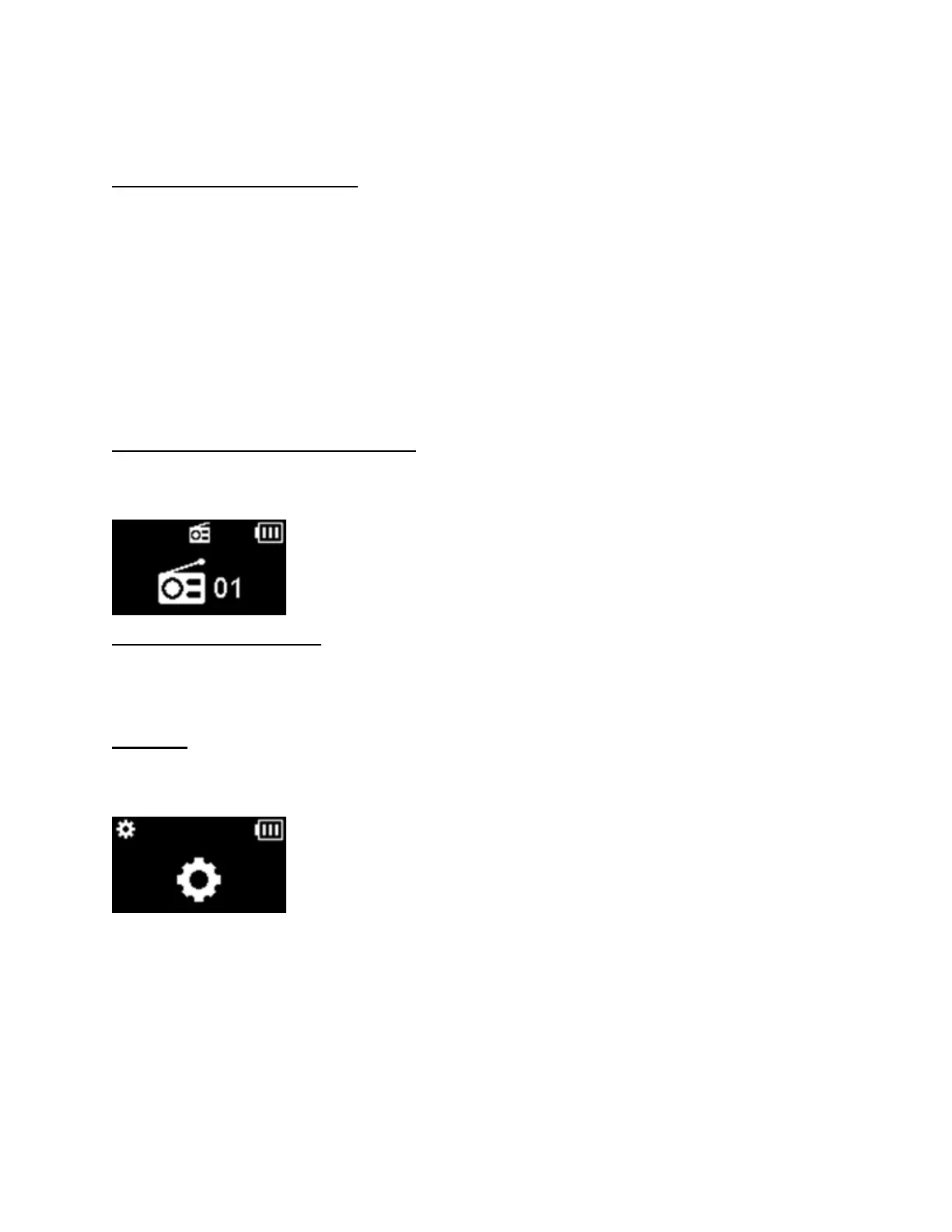
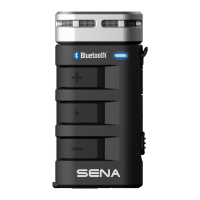
Turn off the FM radio: Press the Phone Button for 1 second.
Radio Scan Up FM Band
Start scanning: Double tap the Phone Button
Stop scanning: Double tap the Phone Button
Save presets while scanning : Save presets: Tap the Phone Button
Radio Move to Preset Station
Move to next preset: Press the Jog Dial for 1 second (1 → 2 → … → 10)
Radio Seek Stations
Seek up/down stations: Rotate while pressing the Jog Dial clockwise or counterclockwise.
Setting
Configuration Menu: Press the Jog Dial for 10 seconds.
Using the Sena Device Manager
Connect the headset to your computer via a USB cable. Launch the Sena Device Manager and click
DEVICE SETTING to configure the headset settings.
For details about downloading the Sena Device Manager, please refer to the leaflet included in the package.


 To Next Page