EN – 8
7. User device reset
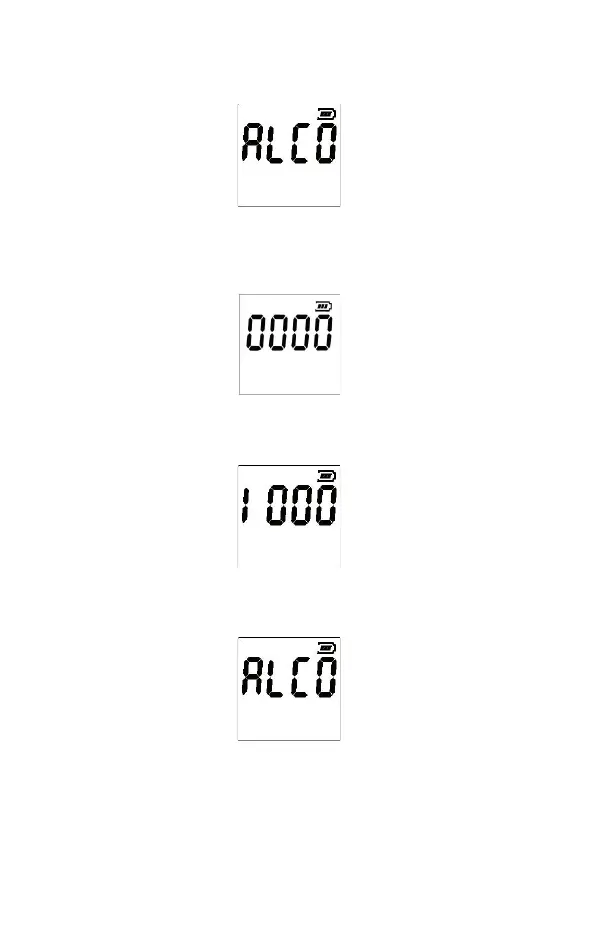
1) Turn the device on. ALCO message will be shown.
2) In this mode, press and hold the up and down arrow button and then add the ON/OFF
button. After afew seconds of holding these buttons down, the screen below will be
shown.
3) Using the up button, change the first number to 1, see figure below and wait.
The number of measurements performed since the last reset will be shown.
4) Then, hold down the ON/OFF for 3 seconds and the instrument will be reset.
The device will automatically return to the initial screen and you can continue to use it.


 To Next Page