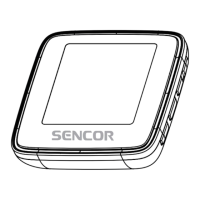
Need help?
Do you have a question about the Sencor SFP 4408 BK and is the answer not in the manual?
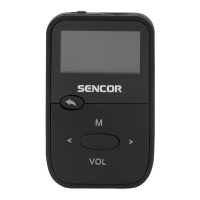
Controls the power state of the device.
Slot for inserting MicroSD cards for storage.
Navigates back or exits the current menu/function.
Skips to the previous track or item.
Accesses the main menu or nested menus.
Skips to the next track or item.
Starts or pauses audio playback.
Adjusts volume or locks/unlocks the device.
Port for connecting headphones.
Port for charging and data connection.
Instructions for browsing and reading .txt files.
Configuration options for time, display, and system.
Troubleshooting steps for when the player is unresponsive.
Solutions for issues with recording or downloading files.
Troubleshooting steps for recording failures.
Solutions for strange characters and unclean FM radio signal.
Details on screen size and internal storage capacity.
Supported audio formats and voice recording format.
Information on battery, headphone output, and Micro USB.
Supported operating systems, device dimensions, and weight.
 General
| Brand | Sencor |
|---|---|
| Model | SFP 4408 BK |
| Category | MP3 Player |
| Language | English |

 To Next Page