EN - 5
Set EQ: in playback interface, fi rstly must play music fi le, then
short press
button to get to sub-menu, select “Equalizer”
and press
button to enter. There are “Natural, Rock, Pop,
Classic, Soft, Jazz, DBB” for selection.
Set Play/Repeat mode: in playback interface, fi rstly must
play music fi le, then short press button to get to sub-
menu, select “Repeat” and press
button to enter. There
are “Normal, Repeat one, Folder, Repeat folder, Repeat all,
Random, Intro” for selection.
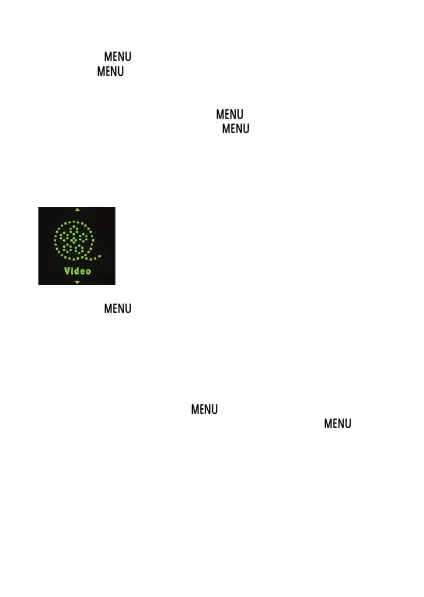
3.2 Movie
In Main interface, short press ◄/► to select movie menu, then
short press to enter movie playback interface.
Play/Pause: short press to play or pause the video
playing.
Last/next: short press ◄ or ► to get last or next video.
Fast backword/Fast forward: long press ◄ or ► to fast
backwards or forwards the video.
Volume: press + or - to adjust volume up or down.
Video fi le list: Short press to show “Local folder” and
select, short press ◄/► to select movie fi les. Press to
select video fi le and press button to play it.
Remark: the player support video formats of .amv. Resolution
should be 128x128. Convert video into a format supported by
this player using the video conversion tool found in the memory
of this player (*see point 5).



 To Next Page