EasyManua.ls Logo

Sencor SLE 1955M4 - Page 30

Sencor SLE 1955M4
36 pages
Print Icon
To Next Page IconTo Next Page
To Previous Page IconTo Previous Page
Loading...
Basic
controls
1
OINFO
Using
the
direction
arrows,
select
a
program
and
press
the
INFO
button
to
show
information
about
the
selected
program.
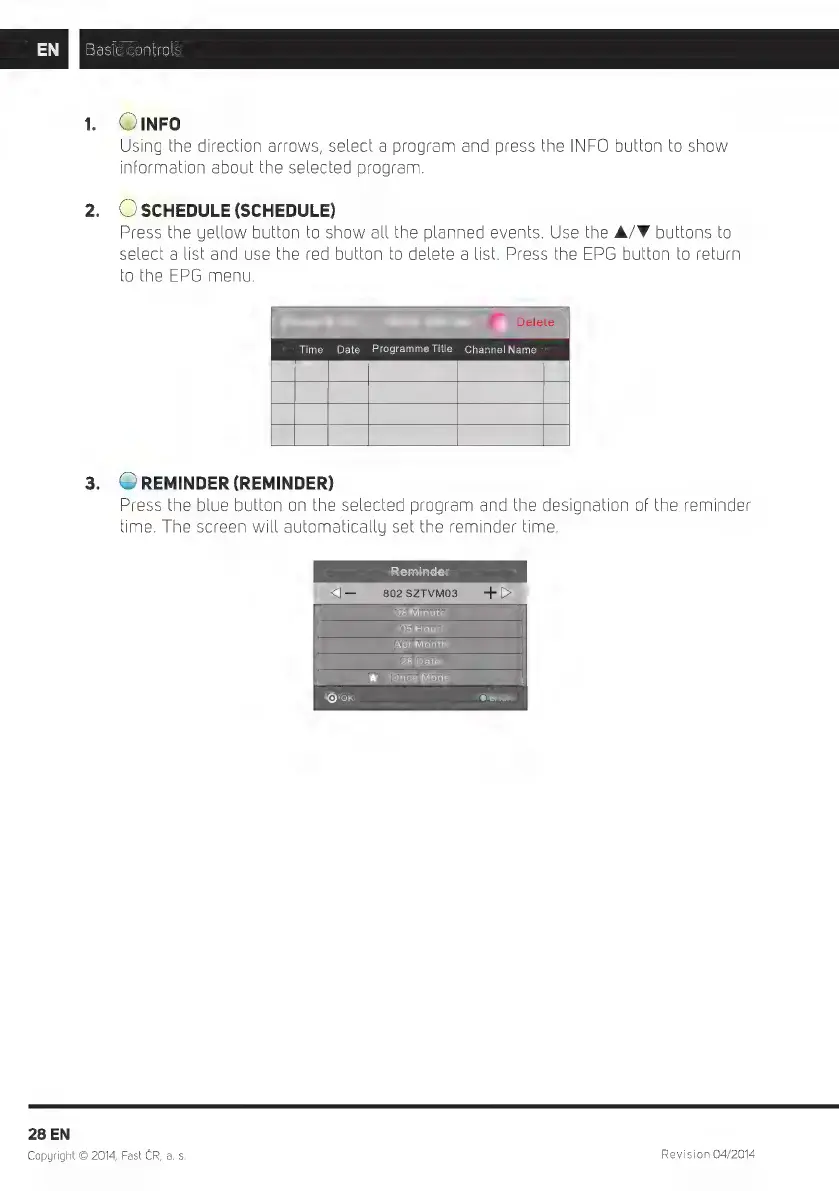
2.
(OSCHEDULE
(SCHEDULE)
Press
the
yellow
button
to
show
all
the
planned
events.
Use
the
A/F
buttons
to
Select
a
list
and
use
the
red
button
to
delete
a
list.
Press
the
EPG
button
to
return
to
the
EPG
menu.
Time
Date
Programme
Title
Channel
Name
3.
(REMINDER
(REMINDER)
Press
the
blue
button
on
the
selected
program
and
the
designation
of
the
reminder
time.
The
screen
will
automatically
set
the
reminder
time.
X]—
so2szrVMos
08
Minute
05
Hour
Apr
Month
28
Date
*
Once
Mode
©ok
28
EN
Copyright
©
2014,
Fast
ČR,
a. s.
Revision
04/2014

Related product manuals