22
SPV-8351T Owner‘s Manual
FM-RADIO
Radio receiver functions in detail
• To listen radio station you must connect the earphones fi rst. The earphones serve also as
antenna.
• By pressing keys Up/Down you may move between frequencies.
Mode station pre-
set >
This mode may be switched on or off. If off, the frequency mode is activated.
Delete all Erases all stored stations.
Deleting preset
station
Erases the current preset station.
Storing preset
station
Stores the current frequency to available preset station number.
Auto search Erases stored stations and tunes in new available stations.
Recording Records the current broadcast in WMA format. The recording is stored in the
fi le Music/FM. You may end the recording by pressing the Return button.
Audio> Selects the audio mode (Stereo / Mono).
LCD screen saver > Sets the time when the display shuts off automatically (available options 5 / 10/
30 seconds and never).
Recording > Selects the memory where recordings are stored (Inner memory / External
memory).
Mute Turns off the audio.
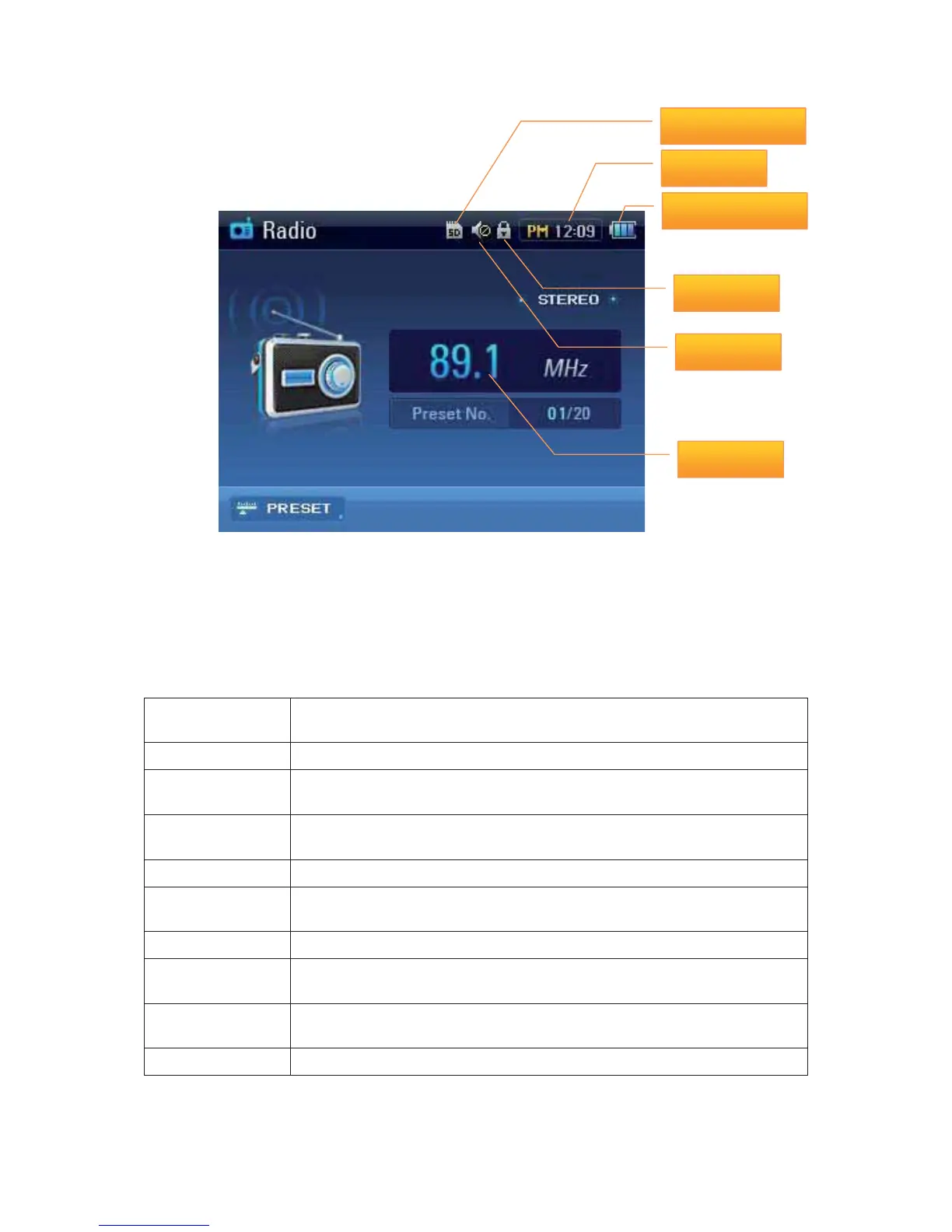
SD Card
Current Time
Battery Remaining
Hold
Channel info.
Mute



 To Next Page