8
SPV-8351T Owner‘s Manual
Firmware Data
Format function will delete all fi les in the player. Backup all the important data before
formatting the removable disk.
Firmware upgrade
1. The newly released fi rmware will be available to download at the website.
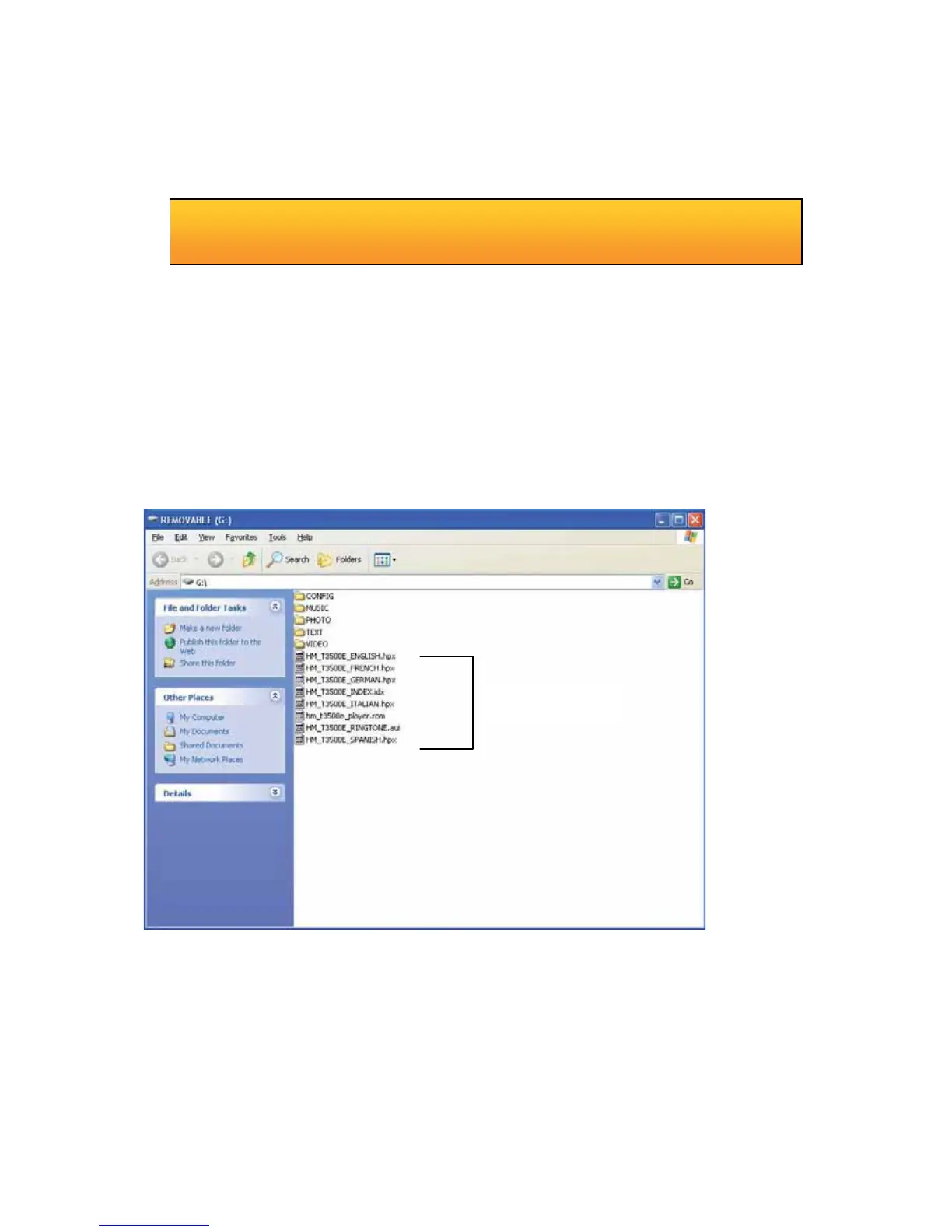
2. Turn on the player and connect it to the USB port of the computer and the removable disk will be
created. Copy the fi rmware fi le and the GUI fi le to the Root Folder of the player.
3. Saferty remove the removable disk and pull the player off the USB port.
4. Upgrade will begin after you turn on the player.
Format the player
a. Open Window Explorer and click the removable disk by the right button of the mouse.
b. Click the format menu by the left button of the mouse.
▬ Caution



 To Next Page