Installation Instructions:
1
3
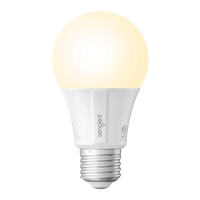
With power off, twist your Sengled Element Classic
LED bulb into the socket.
4
Turn on power.
5
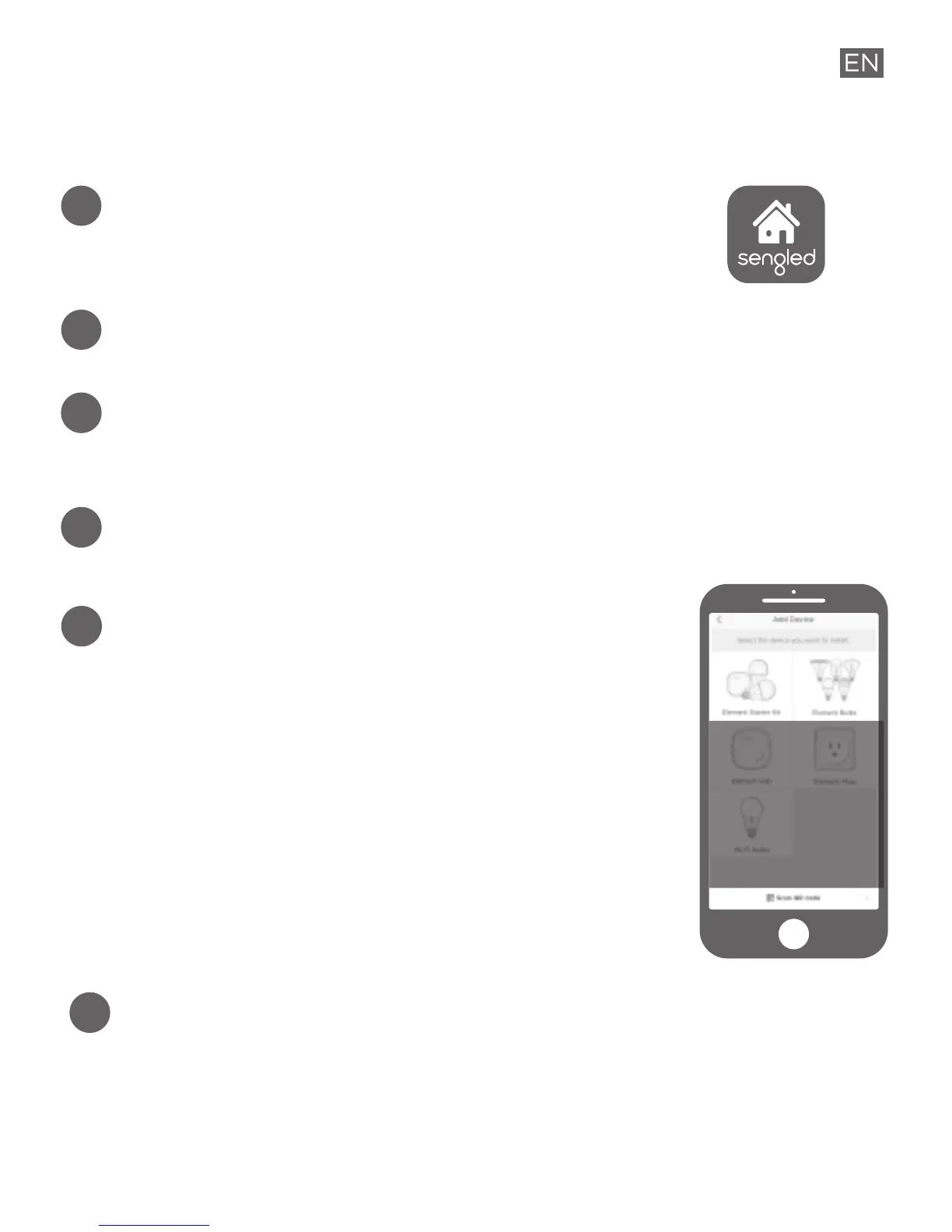
Open the Sengled Home App, go to
Devices and use + to add a new device.
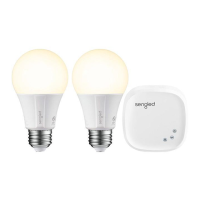
a. Select Element Starter Kit if you
have a kit. Add Hub first, then the
individual pre-paired Element bulbs
will show up in device name and
room assignment pages.
b. Select Element Bulbs if you already
have an Element Hub installed.
6
Ensure your Sengled Home app can discover the
bulb. If you have trouble or concerns with this
step, please refer to the user manual available at
support.sengled.com.
Download the latest version of the
Sengled Home App from the Apple App
Store or Google Play Store.
2
Register a Sengled account using Sengled Home App.
a. b.


 To Next Page