Using the dongle
BTD 600 | 9
Using the dongle
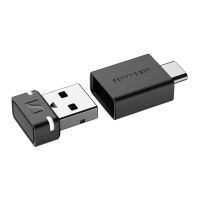
Switching the dongle on and off
The dongle is automatically switched on as soon as you connect it to
a PC/Mac.
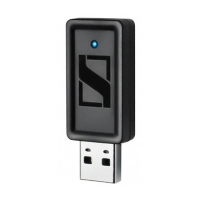
É Connect the dongle to a PC/Mac (> 7).
If the dongle is already paired with a pair of Bluetooth head-
phones, the dongle will automatically try to connect to the last
paired Bluetooth headphones.
If the dongle is not paired with a pair of Bluetooth headphones,
the dongle will automatically be in pairing mode and will search
for Bluetooth headphones to pair with.
É If you want to switch off the dongle, disconnect it from the USB
socket of the PC/Mac.
Pairing the dongle with new Bluetooth headphones
If the dongle is already paired with a pair of Bluetooth headphones
and you want to pair the dongle with another pair of Bluetooth head
-
phones, you have to trigger the pairing mode manually. This will
overwrite the last saved pairing profile with the pairing profile of the
new Bluetooth headphones.
É Connect the dongle to a PC/Mac (> 7).
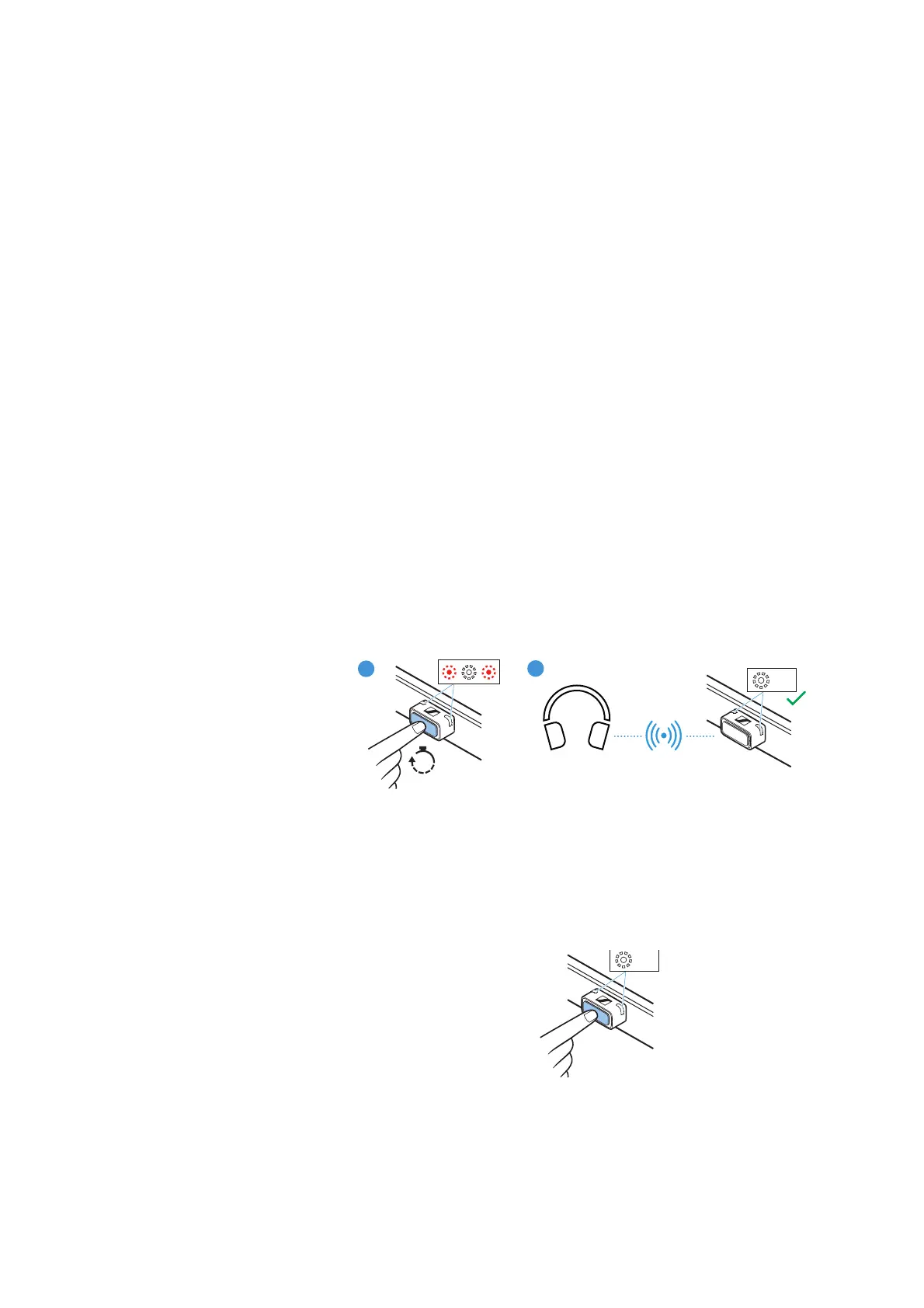
É Press the pairing button of the dongle for at least 3 seconds.
The dongle switches to pairing mode.
While the dongle is in pairing mode, the status LEDs on the don-
gle housing will flash red and white.
As soon as the dongle is paired with a pair of Bluetooth head-
phones, the status LEDs on the dongle housing flash white 3x.
Reconnecting paired Bluetooth headphones with dongle
If the dongle has lost the connection to the paired Bluetooth head-
phones, you can try to re-establish the connection.
É Briefly press the dongle’s pairing button.
During the connection attempt, the status LEDs on the dongle
housing repeatedly flash white 3x. The connection process can
take up to 20 seconds.


 To Next Page